Marketing
Top 10 Tools to Market Your Music in 2026
A practical guide to 10 essential tools for music marketing: distribution, scheduling, lyric videos, cover art, and artist pages.
Start free
Independent artists have never had more tools at their disposal — but more options also means more noise. You need a focused toolkit that handles the essentials: getting your music heard, promoting it everywhere at once, and owning your own online presence. Here are 10 tools that actually move the needle in 2026.
1. Distribution + Streaming (DistroKid, TuneCore, or CD Baby)
Your music has to live on Spotify, Apple Music, YouTube Music, Amazon Music, and the rest. A distributor is non-negotiable.
DistroKid, TuneCore, and CD Baby are distribution options with different subscription, per-release, and revenue-share terms. Check their current plans and delivery windows before choosing one.
Compare the stores they serve, renewal terms, and what happens to your releases if you leave.
2. Social Scheduling (Buffer, Later, or Hootsuite)
If scheduling helps you stay consistent, compare Buffer, Later, and Hootsuite for your actual channels and current plan limits. Platform publishing support and prices change.
The real win: batch your posts on Sunday, set them to drip across the week. Consistency wins.
3. Lyric Video Creation (LYRC)
Lyric videos let fans follow the words while hearing a short excerpt. Test different cuts and visuals to see what works for your audience.
LYRC is a music marketing studio for 15–30 second song excerpts. It drafts editable, timed lyrics and suggests beat-based cut markers for footage; those are separate timing controls. LYRC saves each snippet as a song template by itself, so you make more projects from it with different clips or presets. You can build and preview on the free plan. Export requires a paid plan with a monthly quota; check current pricing. CapCut also offers automatic lyric tools, so choose based on the kind of edit and reuse you need.
4. Cover Art Generation (LYRC's AI Cover Art or Midjourney)
A custom cover can tie a release together. LYRC's AI Cover Art can generate options from your prompt; inspect the lettering and final resolution before using one.
Midjourney is another image-generation option. Compare its current plans and creative controls with LYRC's included tools.
5. Artist Page (LYRC or Linktree alternative)
A generic Linktree is dated. Your link-in-bio should be you — music-first, customizable, and automatic.
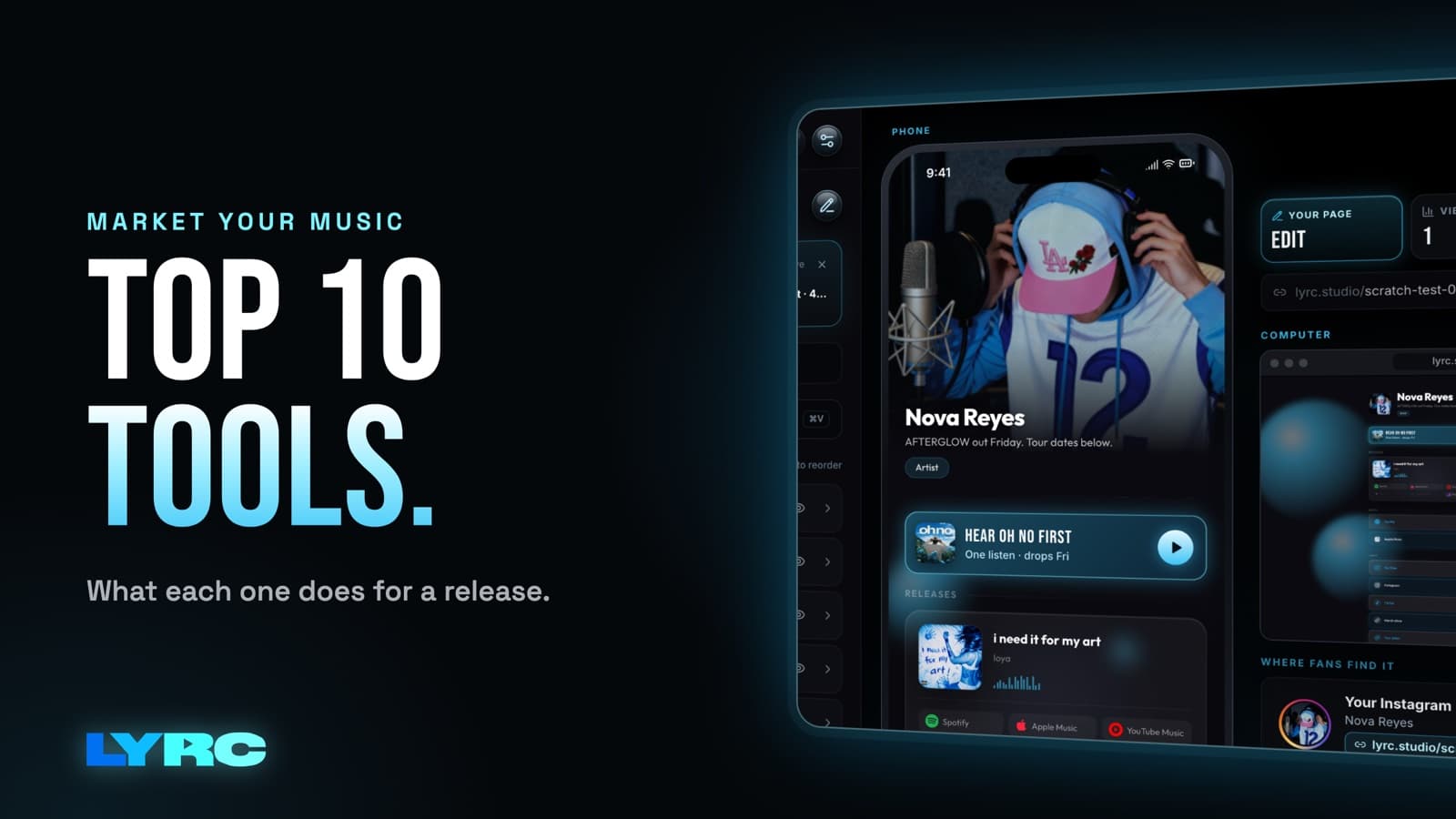
LYRC's Artist Page replaces Linktree: connect Spotify (plays music directly on the page), auto-update your newest release every week, add promo links, customize colors/fonts/layout. One subscription, one place. No more "just another link aggregator."
Linktree still works if you mainly need links. Check each service's current plan terms and music features.
6. Music Analytics (Spotify for Artists, TuneCore Insights)
You need to know which videos are pulling listeners. Spotify for Artists (free) shows streams, listener demographics, and save rate. TuneCore (included with distribution) gives per-release breakdowns.
Don't obsess — check once a week, see what's working, and make more of it.
7. Email List Building (Substack or Beehiiv)
Email is the only distribution channel you own. TikTok's algorithm changes overnight, but your email list stays with you.
Substack and Beehiiv support newsletters with different publishing, analytics, and paid-subscription terms. Compare the current plans for the list you want to build.
8. Video Editing — Quick Cuts (CapCut or DaVinci)
For behind-the-scenes clips or studio edits, CapCut offers an approachable timeline, including lyric tools. DaVinci Resolve offers more detailed color and editing controls. Check current export terms for the features you use.
CapCut also makes lyric videos with its Auto Lyric tools. LYRC's song-template workflow is suited to making multiple short edits from the same excerpt.
9. Transcription + Lyrics (LYRC's Studio-Grade, or Genius)
If you're uploading a song excerpt to LYRC, it can draft timed lyrics for you to check and correct. No public transcription-accuracy benchmark has been published.
Genius (free) is the lyrics wiki — handy for double-checking spelling and structure before you upload your song.
10. Analytics Dashboard (Chartmetric or your distributor's built-in)
You may want one view of streams, playlist adds, geography, and trends. Chartmetric is one music-analytics option; distributors also offer dashboards. Compare current features and prices.
Track the metrics that matter: total streams, unique listeners, playlist adds. Ignore everything else.
The System
Install all these tools in this order:
- Distributor — get your music everywhere
- Lyric video tool (LYRC) — turn songs into content at scale
- Social scheduler — post consistently without friction
- Artist page — own your link-in-bio
- Analytics — see what's working
The rest (cover art, video editing, email) are supporting layers. If you're stuck on a choice, pick the cheapest option and move on.
The point isn't to own every tool — it's to own the entire workflow. Most artists waste energy juggling 15 tools when 5 would do. Pick them, master them, and spend your time making music instead.
Ready to turn a song excerpt into content? Start free with LYRC to build and preview. Downloading an export requires a paid plan with available monthly quota.
Make music. Not content.
Set up lyrics and timing once, then use the same song template for your next video.
Start free