Comparison
LYRC vs Freebeat
Both can make lyric videos. Freebeat generates AI visuals; LYRC saves a short song section for new edits.
Start free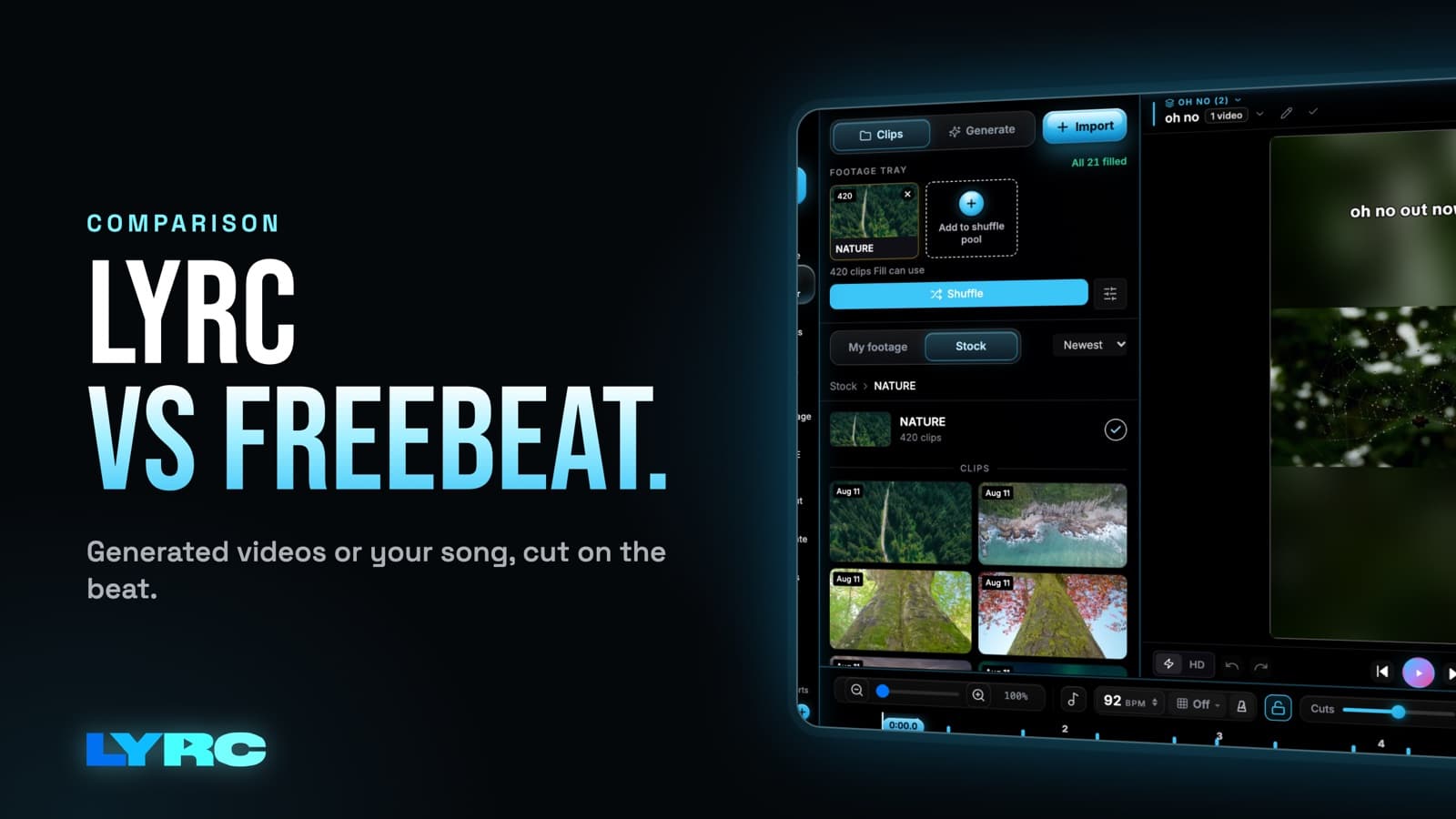
Freebeat offers AI music videos and a lyric-video generator with timed lyrics. LYRC focuses on 15–30 second song sections: transcribe the lyrics, adjust beat cut markers, and LYRC saves the setup as a template for new projects with different footage.
Side-by-side
| LYRC | Freebeat | |
|---|---|---|
| Core output | 15–30 second lyric clip from a reusable song template | AI music video or timed lyric video |
| Lyric workflow | Quick Sync or Studio-Grade; edit words and timing | AI lyric-video generator with transcription and styles |
| Control over clips | Smart Shuffle, lock, swap, your own footage | More automated, less granular |
| Repeat edits | Start a new footage project from the saved song template | AI-generated video workflow |
| Put yourself in the scene | AI video from a saved photo of yourself | Lip-sync from an uploaded video |
| Beyond the video | Cover art + artist page included | Music-video focused |
| Exports | Watermark-free on paid plans — monthly quota, not credits | Credit-based |
| Price | Free to build in; paid from $29/mo | Free tier; paid plans available |
LYRC is best for
- Lyric videos you control and reuse, not one-off generations
- Accurate, editable lyrics on the beat
- Mixing your own footage with AI b-roll
- A full release toolkit — cover art + artist page included
Freebeat is best for
- Hands-off, fully AI-generated music videos
- Letting the AI direct the whole video for you
- Quick end-to-end generation over per-clip control
- A full-song video outside LYRC’s 30-second template limit
Verdict
Freebeat offers both AI music videos and lyric videos, including longer outputs on eligible plans. LYRC is a fit when you want to reuse the same short song section and select the footage in each new version.
FAQ
What’s the difference between LYRC and Freebeat?
Freebeat offers AI-generated music videos and timed lyric videos. LYRC builds a reusable template for a 15–30 second song section, with lyrics and beat cuts you can edit, then lets you swap footage per project.
Which gives you more control?
LYRC lets you edit words, timing, cut markers, and individual footage slots. Freebeat also advertises editable lyric styles and intermediate scenes; check its current editor for the control you need.
Does LYRC do more than lyric videos?
Yes — it’s an all-in-one studio: cinematic AI b-roll, cinematic AI videos of yourself from one selfie, AI cover art, and a customizable artist page that replaces Linktree, all on one subscription.
Make music. Not content.
Set up lyrics and timing once, then use the same song template for your next video.
Start free