Comparison
LYRC vs Videobolt
Videobolt starts from a template design. LYRC starts from your song.
Start free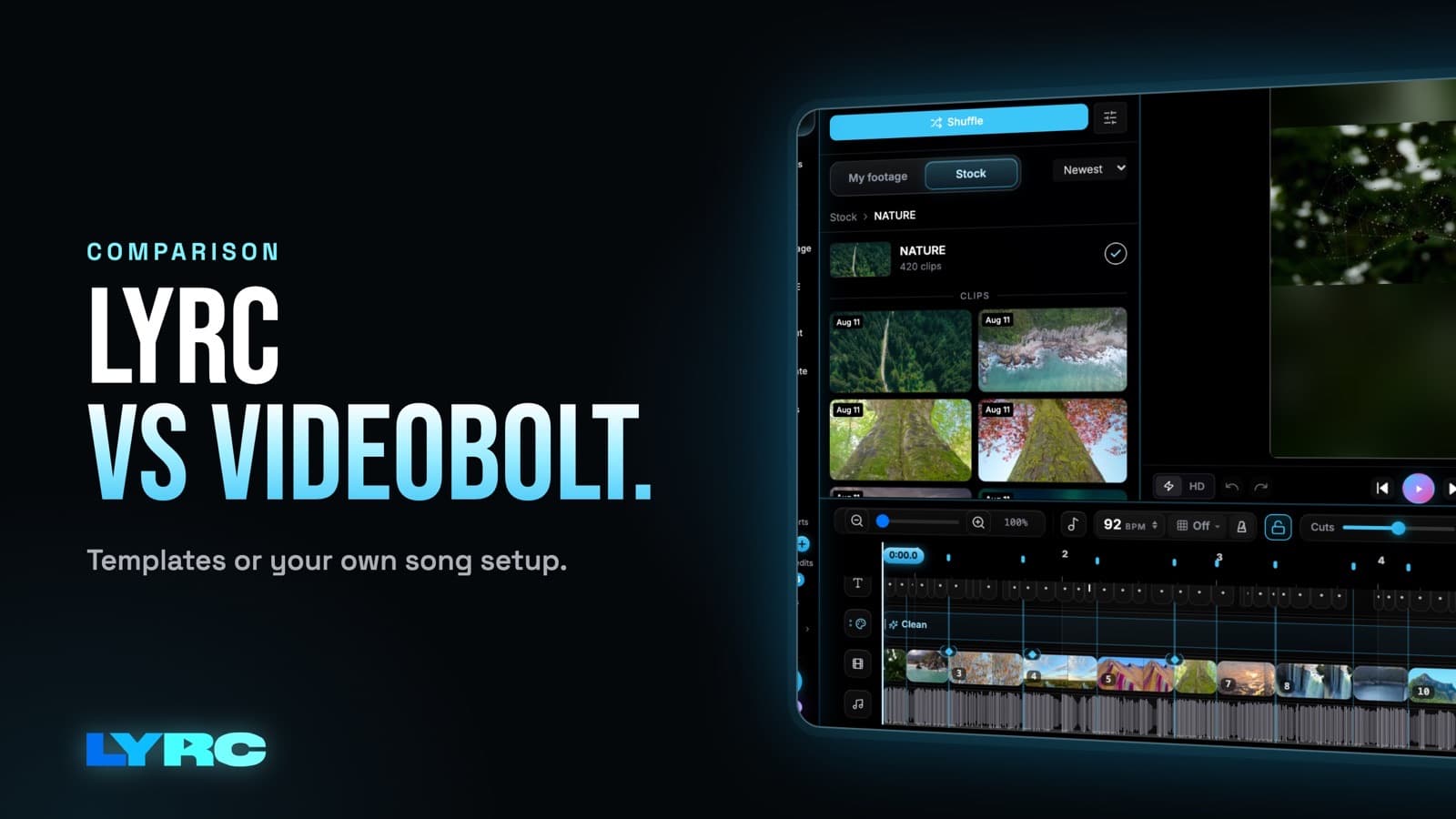
Videobolt is an online video maker with 500+ lyric video templates; its AI syncs the words to the vocals inside a chosen design. LYRC transcribes and times a 15–30 second section of your song, cuts real footage on the beat, and saves the setup so every next video for that song starts ready.
Side-by-side
| LYRC | Videobolt | |
|---|---|---|
| Lyrics on screen | Automatic transcription, then edit words and timing | AI syncs the words to the vocals |
| Look | Footage behind the words plus 30 lyric presets | 500+ lyric video templates |
| Cuts on the beat | Cut markers placed on the beat automatically | Set by the template |
| Footage | Stock clips, your own footage, or clips from a YouTube link | Template visuals |
| Other music tools | AI b-roll, cover art, artist page, Rollout (many videos at once) | Spotify Canvas maker and music visualizers |
| Price | Creator $29/month ($24 billed annually) | Lite from €9.99/month billed annually (720p) |
LYRC is best for
- Lyric videos with real footage that cuts on the beat
- Making many versions of one song for Reels, TikTok and Shorts
- Artists without their own footage
Videobolt is best for
- Picking a ready-made animated design
- Spotify Canvas loops and visualizers
- The lowest entry price
Verdict
Videobolt is a good pick when you want a polished template design and a low price. LYRC is the pick when you want footage-driven lyric videos that cut on the beat, and lots of them per song.
FAQ
Does Videobolt sync lyrics automatically?
Yes. Videobolt says its AI syncs the words to the vocals. LYRC also transcribes and times the lyrics automatically, and you can correct any word.
Can Videobolt make Spotify Canvas videos?
Yes, Videobolt has a Spotify Canvas maker. LYRC focuses on lyric videos for Reels, TikTok, Shorts and YouTube.
What does Videobolt cost?
Videobolt’s Lite plan is €9.99/month billed annually with 720p export. LYRC’s Creator plan is $29/month ($24 billed annually) with 30 exports a month.
Sources (checked 2026-10-14)
Make music. Not content.
Set up lyrics and timing once, then use the same song template for your next video.
Start free