Guides
How to Get More Pre-Saves: Fix the Ask, Not Just the Posting
Most pre-save links lose fans before Spotify even loads. Cut the steps, send the link by comment-keyword DM, end every teaser on one ask, and pick the right tool.
Start free
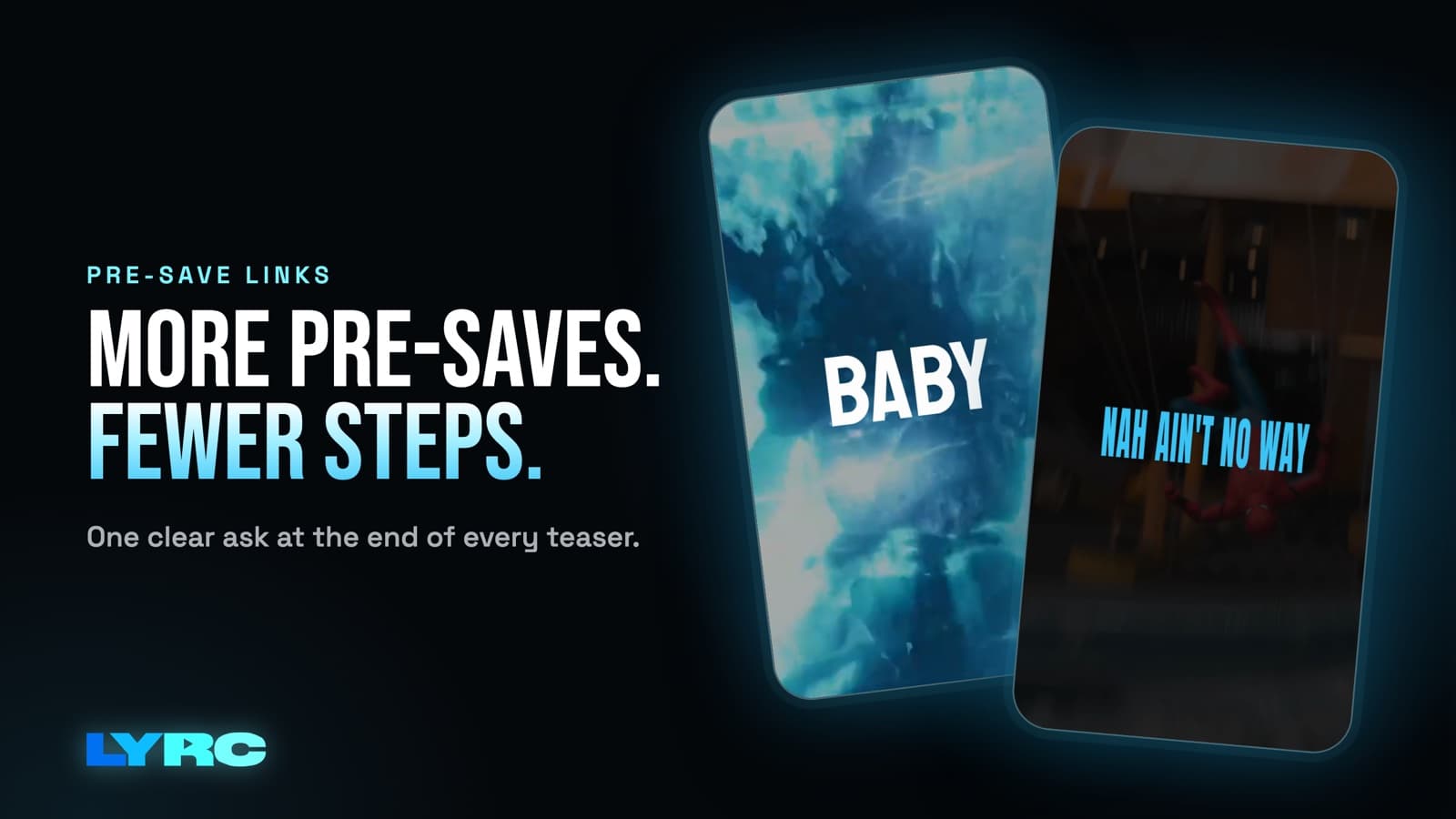
The fastest way to get more pre-saves is to fix the ask before you post more. A Spotify pre-save always makes a fan log in to Spotify and approve access. You can't skip that step, so every tap you add before it loses people. Do four things. Cut the path down to one link. Put that link where fans already are, by having them comment a keyword and get the link in a DM. End every teaser video on the same single ask. Use a tool built for pre-saves. If you post more with a clunky ask, you mostly get more people who meant to tap and didn't.
This guide covers the ask itself. If you want the day-by-day plan for the two weeks before release, read what to post before releasing a song.
Why do most pre-save links get so few taps?
Count the taps on your own setup. Here's a common path:
- Fan sees your teaser.
- Taps your name to open your profile.
- Taps the link in bio.
- Lands on a link page with eight buttons and looks for the right one.
- Taps the pre-save button.
- Lands on the pre-save page and taps Spotify.
- Logs in to Spotify.
- Approves access.
Every step is a place to quit. Steps 7 and 8 are Spotify's, and you can't remove them. Steps 2 through 6 are yours, and most of them can go.
The other common problem is that there's no ask at all. The teaser ends, the caption says "out Friday," and nobody is told what to do. Or the ask changes every post: pre-save one day, follow the next, share the day after. Fans don't learn any of them.
How do I cut the steps to a pre-save?
- One link, one job. During release week, either point your bio link straight at the pre-save page, or put the pre-save button at the very top of your link page. Merch, old songs and socials can sit below it.
- Name the button plainly. "Pre-save [song title]" beats "New music" or a lone emoji. People tap what they can read in half a second.
- Test it on your phone like a stranger would. Log out of Spotify, start from one of your posts, and count every tap until the song is saved. If anything loads slowly, opens the wrong app or asks for something extra, fix it before you post.
- Swap the link on release day. Once the song is out, point the same spot at the live song so late fans don't hit a dead pre-save page.
How do I send the pre-save link in a DM?
Comment-keyword tools like ManyChat let a fan comment a word on your post and get a DM with the link. That skips the profile visit and the hunt through your bio page. The fan stays right where they were scrolling and the link shows up in their messages.
How to set it up:
- Pick one short word tied to the song: the title, or a word from the hook. Keep it easy to spell.
- Use the same word on every post for this release. Repetition is how fans learn it.
- Set the tool to reply to that word with a DM holding the pre-save link and one line, something like "Here's the pre-save for [song]. Thank you for real."
- Say the word in the video and in the caption. "Comment SAVE for the link" works on screen, and the caption repeats it.
- Keep the DM short. One sentence and the link. A paragraph of thanks plus four other links puts you right back where you started.
I do this on LYRC's own Instagram reels: they end with "comment WORD for the link." To be clear about limits, LYRC doesn't host pre-saves or send DMs. You'll need a separate tool for both. LYRC handles the videos.
What should a pre-save teaser end on?
The ask. Every time. The last few seconds of every teaser should tell the viewer exactly one thing to do, in the same words, in the same spot on screen.
What makes the teaser itself worth finishing:
- Use the hook, not the intro. A 15 to 30 second section that people want to hear again is what gets them to the end, where the ask is.
- Vertical, 9:16. Reels, TikTok and Shorts are all 1080x1920.
- Lyrics on screen, so the words land even for someone scrolling muted. If you're new to this, start with how to make a lyric video.
- Change the footage, keep the ask. Post several versions of the same hook with different clips. The visuals keep it fresh for your followers. The ask stays identical so it sticks.
- One ask per video. "Pre-save, follow, share and turn on notifications" gets you none of them. Pick the pre-save until release day.
One warning on footage: clips from films, shows or other people's videos can draw copyright claims or get your audio muted on some platforms. A muted teaser can't sell the song. Your own footage, licensed stock and AI b-roll avoid that.
If you'd rather put the ask as text on screen, add it with the text tool in Instagram or TikTok when you post, or in whatever editor you use. CapCut handles that fine.
Which pre-save tool should I use?
The tool matters less than the ask, but there's a real tradeoff.
- Linktree: the $0 plan includes one pre-save. If Linktree is already your bio link and you're promoting one song at a time, this is the least setup.
- Laylo: pre-saves plus text-message sign-ups. The text list is the part that matters. A pre-save adds the song to a fan's library, while a phone number lets you reach that fan directly when the song drops and on the next release.
- A comment-keyword DM tool like ManyChat handles delivery. It pairs with either of the above. The DM just carries whichever pre-save link you use.
The simple rule: if you only need a link, use what you already have. If you want a way to reach those fans again, pick the tool that collects contact info.
What mistakes cost the most pre-saves?
- Putting the ask only in the caption. Lots of people never open the caption. Say it in the video.
- Changing the keyword between posts. SAVE on Monday and LINK on Wednesday splits your fans and breaks the habit.
- A link page with ten equal buttons. The pre-save gets lost. Put it first or make it the only thing there.
- A teaser that starts slow. If people swipe away before the hook, they never reach the ask.
- Never testing the flow. A broken DM trigger or a wrong link can run all week before anyone tells you.
FAQ
Does a Spotify pre-save always need the fan to log in? Yes. The fan has to log in to Spotify and approve access. That's why everything before that screen should be as short as you can make it.
Should the pre-save link go in my bio or in a DM? Both. The bio link catches people who visit your profile. The comment-keyword DM catches people who'd comment but would never go looking for a link.
How many teaser videos should I post? Enough that your followers see the ask more than once. The pacing is in the two-week pre-release plan.
Can LYRC make my pre-save link? No. Use Linktree, Laylo or a similar tool for the link. LYRC makes the teaser videos that point people to it.
How LYRC does this
- Upload the song and trim the 15 to 30 second hook you want to tease.
- LYRC transcribes the lyrics and times each word. Check it and fix any misses, which are usually names, slang and ad-libs.
- Cut markers land on the kicks and claps. Add, remove or nudge any of them.
- It all saves as a song template, so every next teaser of that hook starts with the lyrics, timing and cuts already in place. Here's how templates work.
- Fill puts a clip in every slot, from LYRC stock, your own footage, a YouTube or TikTok link, or AI b-roll. Pick a lyric style, shuffle for a new version, and export in 9:16.
- Post it with your keyword ask. On paid plans you can post or schedule straight to Instagram from LYRC (posting to Instagram). Export limits for each plan are on the pricing page.
Your first video export is free when you sign up. It carries a small LYRC watermark.
Make music. Not content.
Set up lyrics and timing once, then use the same song template for your next video.
Start free