Guides
How to Sync Lyrics to a Song: Fix Early, Late, and Drifting Words
A practical guide to timing lyric text to a vocal, spotting drift, and keeping footage cuts and lip-sync checks separate.
Start free
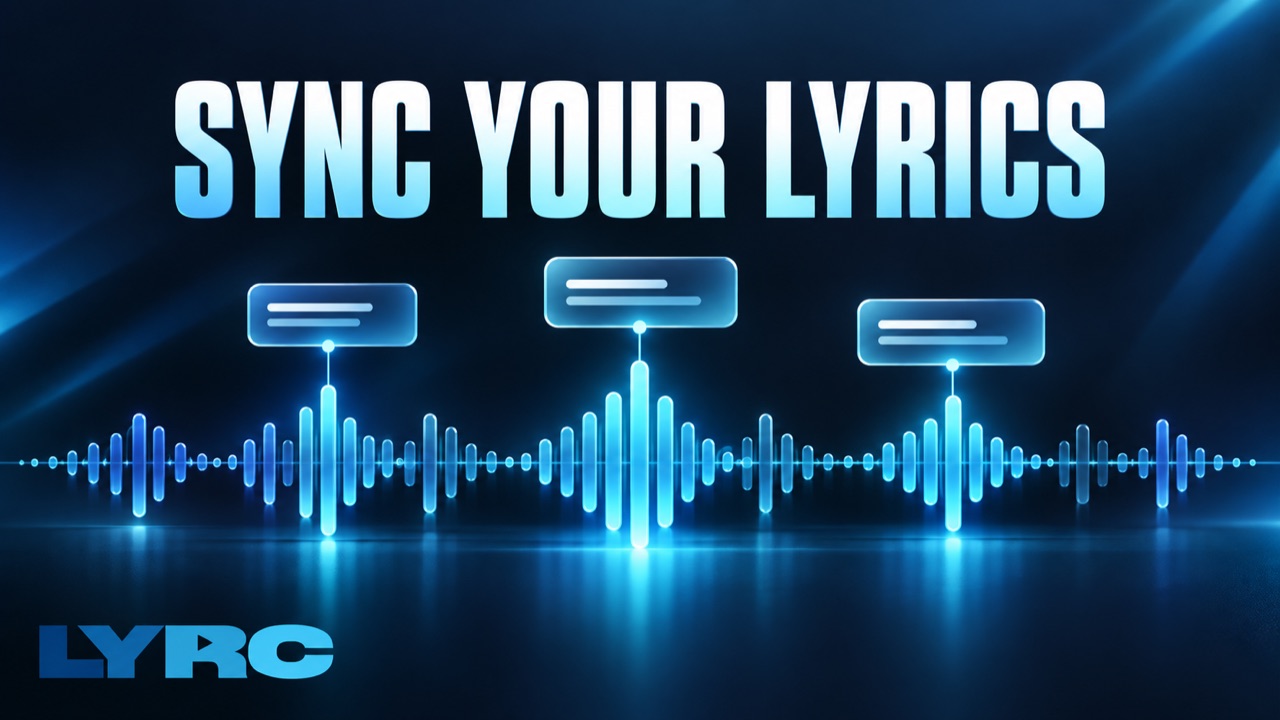
Synced lyrics should follow the recorded vocal, not just the beat. A drum hit may be a useful place to change the picture, but a singer can enter before or after it. Keep three things separate as you edit: when each word is heard, when the footage changes, and whether a filmed performance matches the audio.
This guide focuses on correcting lyric timing. For the complete planning and export workflow, see how to make a lyric video. If a person is performing in your footage, use the own-footage guide alongside these checks.
Start With the Exact Recording
Use the final mix you plan to publish. A demo, radio edit, sped-up version, or alternate vocal take may have different entrances. Write out the words for the section, including repeats and ad-libs, and compare the sheet to what is actually sung.
In any editor, place a phrase near its vocal entrance, play it back, and adjust its start and end. Short listening loops help you find an entrance; a full playback catches errors at phrase boundaries. Manual placement is completely acceptable. Automatic transcription is useful as a first pass only when you verify its text and timing.
Time Words Before Polishing Footage
For each phrase, listen for the first audible syllable and set the word's entrance near it. Check that the word remains visible long enough to read without lingering awkwardly into the next lyric. If the phrase is too dense, split it into shorter lines rather than shrinking everything until it is hard to see.
In LYRC, upload a song and choose a section in the song-template workflow. Its transcription creates an editable timed lyric draft. You can correct word text and timing, then replay the section. Suggested cut markers for footage are separate; moving a cut marker does not retime the sung word. The current setup selects a song section, so use a full-song-capable editor when your project needs a continuous full-song timeline.
Watch the lyric-timing chapter for a visual example. It was recorded in August 2026 and shows an older interface and pricing; current controls and plans can differ.
Diagnose the Kind of Sync Error
One word is early or late: Compare it with the heard syllable, then adjust that word. Replay the words on either side so the fix does not create an overlap or a gap.
Every word is off by about the same amount: Check where the audio begins and whether an intro was trimmed. Recheck the first clear vocal entrance before moving every lyric.
The error grows through the song: A single offset may hide a speed mismatch near the start but fail later. Compare the beginning, middle, and end. Check for a different recording, speed change, or edit before retiming the whole lyric sheet.
A word is missing or wrong: Fix the text and listen through the repeated phrase. Layered vocals, names, and ad-libs are easy to misread in an automatic draft.
The words match the audio, but the singer's mouth does not: Inspect the footage take, clip start, and speed. Text timing cannot repair a performance filmed against a different mix.
Words are correct, but shots change at the wrong time: Adjust footage cut markers. Lyric timing and visual cuts solve different problems; neither needs to land on every beat.
Check the Whole Result
Watch with sound from the first word to the last, then check a second time at phone size for readability. Review the first and last frame of each phrase, especially where footage changes. After exporting, open the downloaded file and repeat the playback; the editor preview is not a final-file check.
If you want AI to create the initial timed draft and help assemble the visual edit, follow the AI lyric-video workflow. In LYRC, building and previewing are free, export requires a paid plan, included exports use the plan allowance, and eligible paid accounts can buy extra exports with credits. Check current pricing and allowances for the plan that applies to you.
Make music. Not content.
Set up lyrics and timing once, then use the same song template for your next video.
Start free