Guides
AI Lyric Video Generator: What AI Does Well and What Still Needs You
An honest look at what an AI lyric video generator handles well (timing lyrics, cutting on the beat, b-roll), what still needs you, and how to make your first one.
Start free
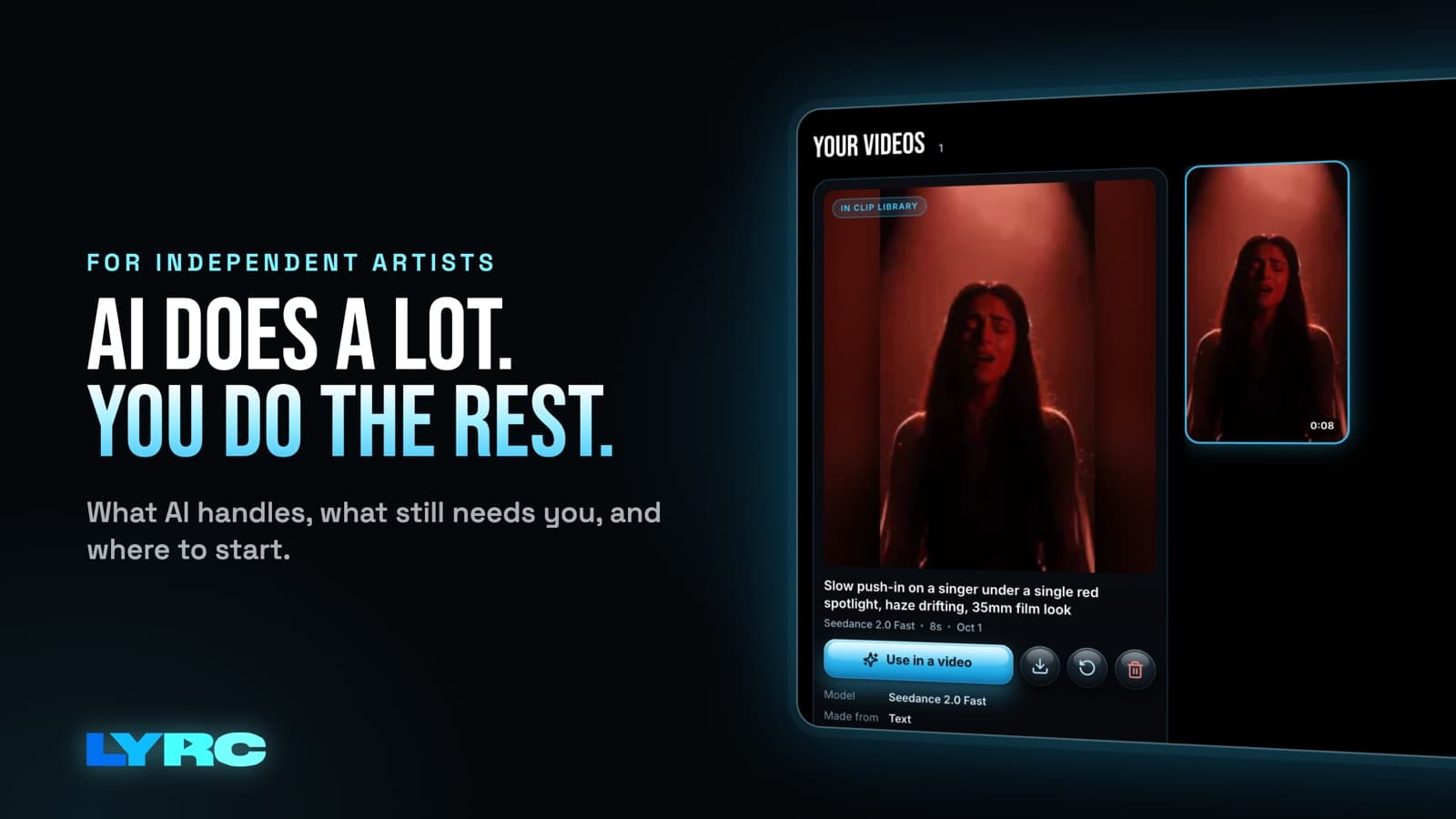
An AI lyric video generator takes your song, hears the words, times each one, cuts the visuals on the beat and fills the video with footage. You review and fix the parts AI gets wrong instead of typing and timing every word yourself. Right now AI does three jobs well: transcribing and timing your lyrics, finding the kicks and claps to cut on, and generating b-roll. You still pick which part of the song to use, fix the words it misheard and choose the look. Get those right and the video sounds like your song and looks like you.
I built LYRC for the part of making lyric videos that eats the most time: re-typing and re-timing the same lyrics and lining up cuts by hand for every video. So this page is about where automation helps and where it still gets things wrong.
What does an AI lyric video generator actually do?
It breaks into four steps, and AI handles some of them better than others.
- Transcription and timing. The AI listens to the vocal, writes out the words and stamps each word with when it's sung.
- Beat detection. It finds the transients in the track (kicks, claps, hard accents) and marks where a cut should land.
- Footage. It puts a clip between each pair of cut markers. That clip comes from stock, your own uploads, or AI-generated b-roll.
- Lyric styling. It animates the words on screen with a preset look.
The first three are where AI earns its keep. The fourth is a creative choice, and that's where most AI lyric videos start to look the same.
What AI does well right now
Hearing and timing the words
AI writes out every line and stamps each word's timing, so you start from a draft instead of a blank timeline. It saves you the most time of anything here, because typing lyrics and dragging every word into place is the slowest part of doing it manually. If you want to see what good sync looks like before you trust a tool with it, read my guide on how to make a lyric video.
Cutting on the beat
Songs with loud, clear drums give beat detection clear transients to find. A cut that hits the kick feels intentional, and a cut a few frames off feels amateur. Software is better at hitting those frames than your hand on a trackpad. Sparse or drumless songs give it less to grab onto, so expect to add or move a few markers yourself.
Making b-roll
AI video models can now generate short atmospheric shots: city lights, smoke, a car at night, abstract texture. These fill a slot without stock clips everyone has seen and without the copyright claims that clips from films or other people's videos can draw. They're best as texture between shots of you or your world. They're weaker as the only footage, because a whole video of generated scenery reads as generic. If you want to try it, start with the AI b-roll generator.
What still needs you
Picking the song section
No AI knows which 15 to 30 seconds of your song people will replay. You do. Usually it's the hook, sometimes it's a single bar that hits harder than the chorus. TikTok sounds and Reels audio come from the clip you post, so pick the part you'd want someone to use in their own video. Start the section a beat before the first word so the lyric doesn't appear mid-syllable.
Fixing a misheard word
Transcription accuracy depends on the recording. The usual misses are:
- Names, including your own artist name and people you shout out
- Slang and regional spellings
- Ad-libs, which often get dropped or turned into random words
Read every line before you export, and fix spellings to match how you'd write them in your lyrics.
Choosing the look
AI can apply a preset. It can't decide that your song needs grainy night footage and plain white text instead of bright stock and bouncing words. Pick a lyric style that fits the song's mood, and use your own footage wherever you have it. Shots of you, your city or your studio are what make the video recognizably yours.
How long should an AI lyric video be?
For Reels, TikTok and YouTube Shorts, aim for 15 to 30 seconds of one song section, vertical 9:16 (1080x1920). That's the format LYRC is built for.
If you need a full-length lyric video for your YouTube channel, LYRC is the wrong tool, because it makes 15 to 30 second videos of one section. Use a general editor like CapCut, Premiere or DaVinci. YouTube's main player is 16:9, so set that before you start.
How many videos should you make from one song?
More than one. Posting the same hook with different footage gives you more posts to test without writing new content. The real time cost is setup: lyrics, timing and cut markers. So pick a tool that keeps that setup and lets you swap only the footage.
A simple plan for a single:
- Make your first video of the hook with your best footage.
- Make a second with a different look (a new lyric style or a darker set of clips).
- Make a third with only your own footage, or only b-roll, and see which version people respond to.
- Keep going with new footage on the version that works.
Lyric videos are promotion for the song. Your distributor (DistroKid, TuneCore, CD Baby or another) gets the song onto Spotify and Apple Music. The lyric videos are promotion that gives people a reason to go listen.
Mistakes to avoid
- Exporting without reading the lyrics. Check every name and spelling against how you write them.
- Using a whole verse. Past 30 seconds you're asking a stranger for a lot. Use the strongest section.
- Pulling clips from films, shows or other people's videos. These can draw copyright claims or muted audio on some platforms. Your own footage, licensed stock and AI b-roll avoid that.
- All b-roll, no you. Mix in at least a few shots of yourself so viewers connect the song to a person.
- Expecting AI to guarantee results. A tool makes the video faster. It doesn't promise views or streams, and nothing honest will.
FAQ
Can AI make the whole video with no editing? It can get you close. You should still check the transcription and pick the section and look yourself, because those are the parts AI gets wrong or can't judge.
Does AI lyric sync work on rap? It can. Names, slang and ad-libs are the usual misses, so check those lines closely.
Do I need my own footage? No. Stock and AI b-roll can fill every slot. Your own footage is what makes the video feel like yours, though, so use some if you have it.
Can I fix a word after exporting? Yes. Fix it in LYRC and the fix saves to the song's template, reaching every video you made from it. Then export the corrected version.
What does LYRC cost? Paid plans start at $29/mo. See current plans and limits.
How LYRC does this
LYRC's lyric video maker splits the work the way this guide describes: AI does the timing, the cuts and the footage, and you keep the creative calls.
- Upload your song and trim a section of up to 30 seconds, usually the hook. You can drop in an MP3, M4A or WAV, or find yourself on Spotify and pick a released song.
- LYRC transcribes the lyrics and times each word. Choose Quick Sync or Studio-Grade, then review and fix any word or its timing.
- Cut markers land on the kicks and claps. Add, remove or nudge any marker.
- The section saves as a song template, with lyrics, timing, cut markers and style, so your next video of that song starts with all of it in place.
- Fill puts a clip in every slot. Clips can come from LYRC stock, your own footage, a YouTube or TikTok link (Creator plan and up; LYRC splits the video into clips, and other people's videos can draw copyright claims), or AI b-roll, which costs credits. Then shuffle everything, or lock the clips you like and shuffle the rest.
- Pick a lyric style, or turn presets off and style the text by hand. Choose 9:16 or 16:9 and export an MP4.
Your first video export is free when you sign up. It carries a small LYRC watermark.
Make music. Not content.
Set up lyrics and timing once, then use the same song template for your next video.
Start free