Guides
How Many Videos Should I Post to Promote a Song?
Plan for 10 to 20 short videos per song, built from the same hook. Here's how to make that many without burning out, and how to tell which one is working.
Start free
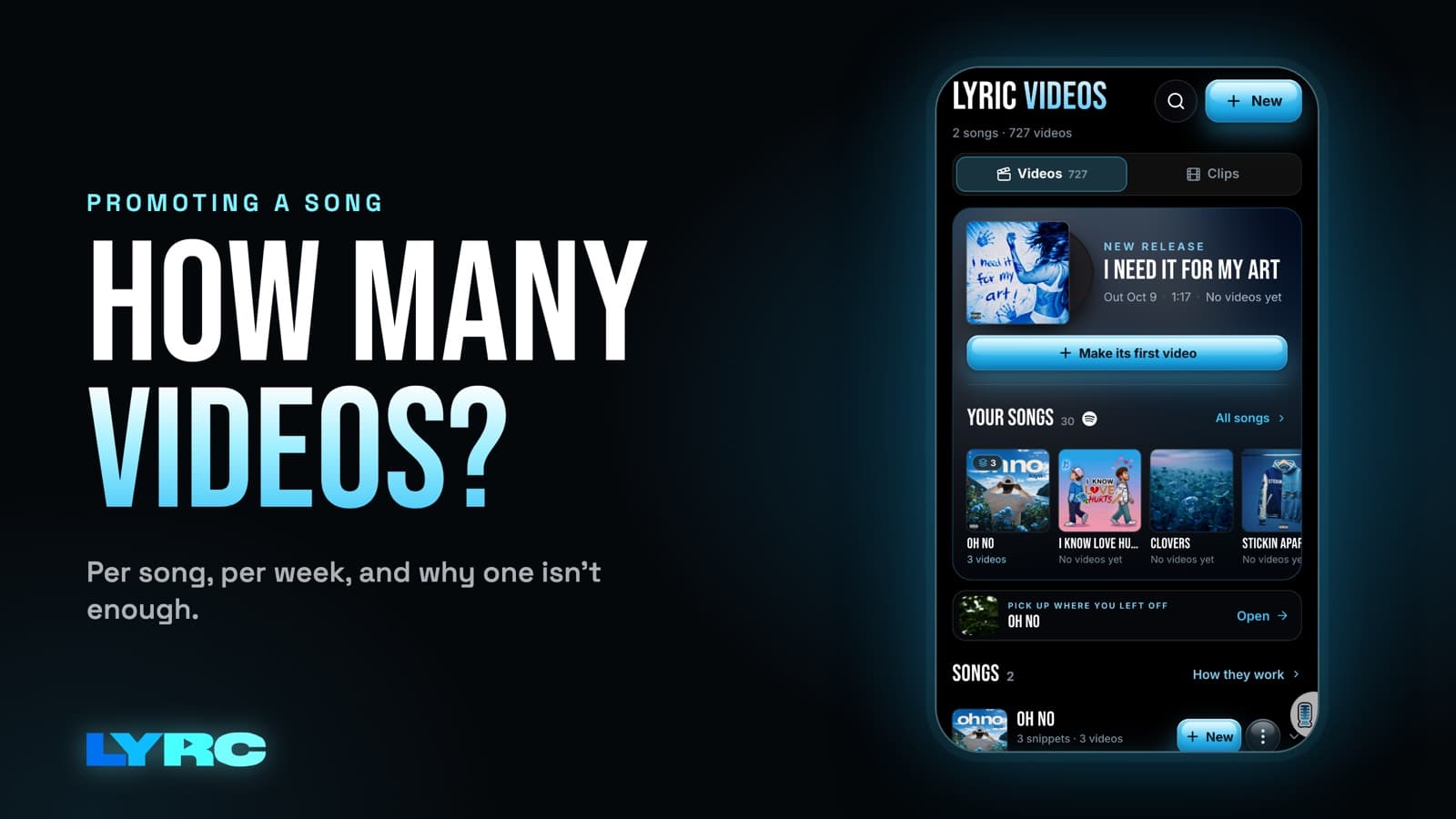
If you're asking how many videos you should post to promote a song, my answer is to plan for 10 to 20 short videos per song, mostly built from the same 15 to 30 second hook. One video is a coin flip. Ten to twenty gives the song enough chances to reach the right listener, and it gives you enough posts to see which version people actually respond to. One strong section of the song is enough, as long as you change the footage, the lyric style and the first second of each video. Below is how I'd set that up, how to keep it from taking over your week, and how to read the results.
I'm Andrew, a musician and the founder of LYRC. Nothing here guarantees views or streams. It's a plan for giving a song more than one chance to reach people.
Why does one song need so many posts?
Every post gets shown to a slice of people on a given day. Most of the people who would love your song never see your first video. They were scrolling something else, or the first frame didn't stop them. A second version with different footage gets a new first impression.
The people who did see it also benefit from hearing the hook more than once. Hearing the same line over different visuals across a couple of weeks is how a hook starts to feel familiar.
The last reason is the one most artists skip: you learn. If you post one video and it flops, you don't know if the song, the footage, the caption or the timing was the problem. If you post 12 variations, the differences between them start to tell you something.
What makes each video "different" if the song is the same?
Keep the audio the same and change what the viewer sees. These are the levers I'd pull, roughly in order of how much they change the feel of a post:
- Footage. A moody city night, a performance clip of you, nature shots, AI b-roll of a scene that matches a lyric. This is the biggest change you can make.
- The first second. The opening clip and any text on screen decide whether someone keeps watching. Try a few different openers with the same footage pool.
- Lyric style. Big bold words, small clean captions, word-by-word pop-ins. A different lyric animation style can make the same footage feel like a new post.
- Song section. Once the hook has had its run, try a verse punchline or the bridge. Sometimes the line that hits is not the one you expected.
- Format. Vertical 9:16 (1080x1920) for Reels, TikTok and YouTube Shorts. If you also post to YouTube's main player, that's 16:9.
A note on footage from other people's videos: clips from films, shows or someone else's content can get your post claimed or your audio muted on some platforms. Your own footage, licensed stock and AI b-roll avoid that problem.
How do I make 10 to 20 videos without burning out?
The burnout comes from redoing setup. Typing and timing the lyrics, then lining cuts up to the beat. If you do that once per song instead of once per video, 15 videos stops being scary. Here's the order I'd work in:
- Pick the section. Choose 15 to 30 seconds, usually the hook. If you can't decide, pick the part you'd want someone to use as a sound.
- Get the lyrics and timing right once. Check every word, especially names, slang and ad-libs, which are the usual misses for any auto-transcription.
- Set your cuts on the beat once. Kicks and claps are the natural cut points. Cutting on them is what makes a fast edit feel intentional.
- Save it as a reusable starting point. In LYRC that's a song template. In CapCut, Premiere or DaVinci you can duplicate a finished project and swap the clips, which works but takes longer per version. My guide to creating templates walks through the LYRC version.
- Gather footage in one batch. Shoot 20 minutes of yourself in a few locations, pull stock, or generate a set of AI b-roll clips that match the song's mood. Having a pile ready is what makes the next step fast.
- Make all the variations in one sitting. Swap footage, change the lyric style, try a new opener. Export them all.
- Schedule them. Load the posts into each app's scheduler or your drafts so posting each day takes a minute instead of an evening.
Here's a real example. One artist using LYRC made 104 videos from 11 songs in 7 weeks, with 21 in the busiest week. That works out to a little under 10 per song on average, made in batches rather than one at a time. I wrote more about protecting your writing time in how to balance making music and content.
How should I space the videos out around a release?
This is a sample plan for 15 videos on one single. Adjust it to your schedule. The point is to spread them out, not to post them all on release day.
- The week before release (about 4 videos): Tease the hook. Use your strongest footage and say the release date in the caption.
- Release week (about 6 videos): This is where most of your variations go. Point every caption at the song being out.
- The two weeks after (about 5 videos): Post more of whatever performed best, plus one or two tries with a different section of the song.
If a song is already out and you never promoted it, you can still run this. Start at the release-week stage and treat it as a relaunch.
How do I tell which video is working?
Compare each post against your own other posts, not against other artists. Your account's normal numbers are the baseline. Give each post a few days before judging it, since some pick up late.
The signals I'd watch, from most to least telling:
- Watch time and replays. If people watch to the end or loop it, the hook and footage are holding them.
- Shares and saves. Someone sending your video to a friend is a stronger sign than a like.
- Comments quoting the lyric. That means the line landed.
- People using the sound. On TikTok and Reels, this is how a song spreads beyond your followers.
- Profile visits and streaming follows. Check your streaming stats around the days a post did well. If a spike lines up with a specific video, that video is the one sending people to the song.
Once one post clearly beats the others, make more like it and change one thing at a time. If the winner was night-city footage with big bold lyrics, keep the lyric style and try three new night-city openers. If you change everything at once, you lose track of what worked.
If you've posted around 10 variations and none of them beat your normal numbers, try a different section of the song before you give up on it. The hook you picked might not be the hook your listeners hear.
When is a short lyric video the wrong format?
LYRC makes 15 to 30 second videos of one song section, which is what this whole plan is built on. If you need a full-length lyric video for YouTube, a long music video or an edit that covers several songs, a general editor like CapCut, Premiere or DaVinci fits better. Plenty of artists do both: one full-length video for YouTube and a stack of short ones for the feeds.
FAQ
Is posting 15 videos of one song too much for my followers? Not if each one looks different. Your followers only see some of your posts, and someone who sees several gets more chances to remember the hook.
Should I repost a video that did well? You can, after some time has passed. A new variation of the winner usually teaches you more, since you learn which part of it was working.
Do I need a new song section for every video? No. Run most of your videos on the hook, then test one or two other sections once you have a winner.
Do lyric videos count as streams on Spotify? No. Lyric videos are promo. Your distributor (DistroKid, TuneCore, CD Baby and others) puts the song on Spotify and Apple Music, and the videos send people there.
How many exports will I need? Roughly as many as the videos you plan to post. Check current plan limits on the pricing page before you plan a big batch.
How LYRC does this
This is how the 10 to 20 video plan works inside the LYRC lyric video maker:
- Upload your song and trim the 15 to 30 second section you want to promote.
- LYRC transcribes the lyrics and times each word (Quick Sync or Studio-Grade). You review and fix anything it missed.
- It places cut markers on the kicks and claps. Add, remove or nudge any of them, and it all saves as a song template, so every new video of that song starts with lyrics, timing and cuts already in place.
- Hit Fill to put a clip in every slot. Clips can come from the built-in stock library, your own footage, a YouTube or TikTok link (LYRC splits it into clips), or AI b-roll. See the copyright note above before using clips from other people's videos.
- Pick a lyric style, shuffle the clips, lock the ones you like and shuffle the rest. Rollout can prepare up to 30 project variations at once if you want a full batch. Exports still count against your plan's monthly quota.
- Choose 9:16 or 16:9 and export an MP4.
Building and previewing are free on the Free plan. Your first video export is free when you sign up. It carries a small LYRC watermark.
Make music. Not content.
Set up lyrics and timing once, then use the same song template for your next video.
Start free