Guides
AI Music Video Generator: What Independent Artists Actually Get
What an AI music video generator really gives you as an artist, where AI footage breaks, and how to turn it into on-beat lyric videos for Reels.
Start free
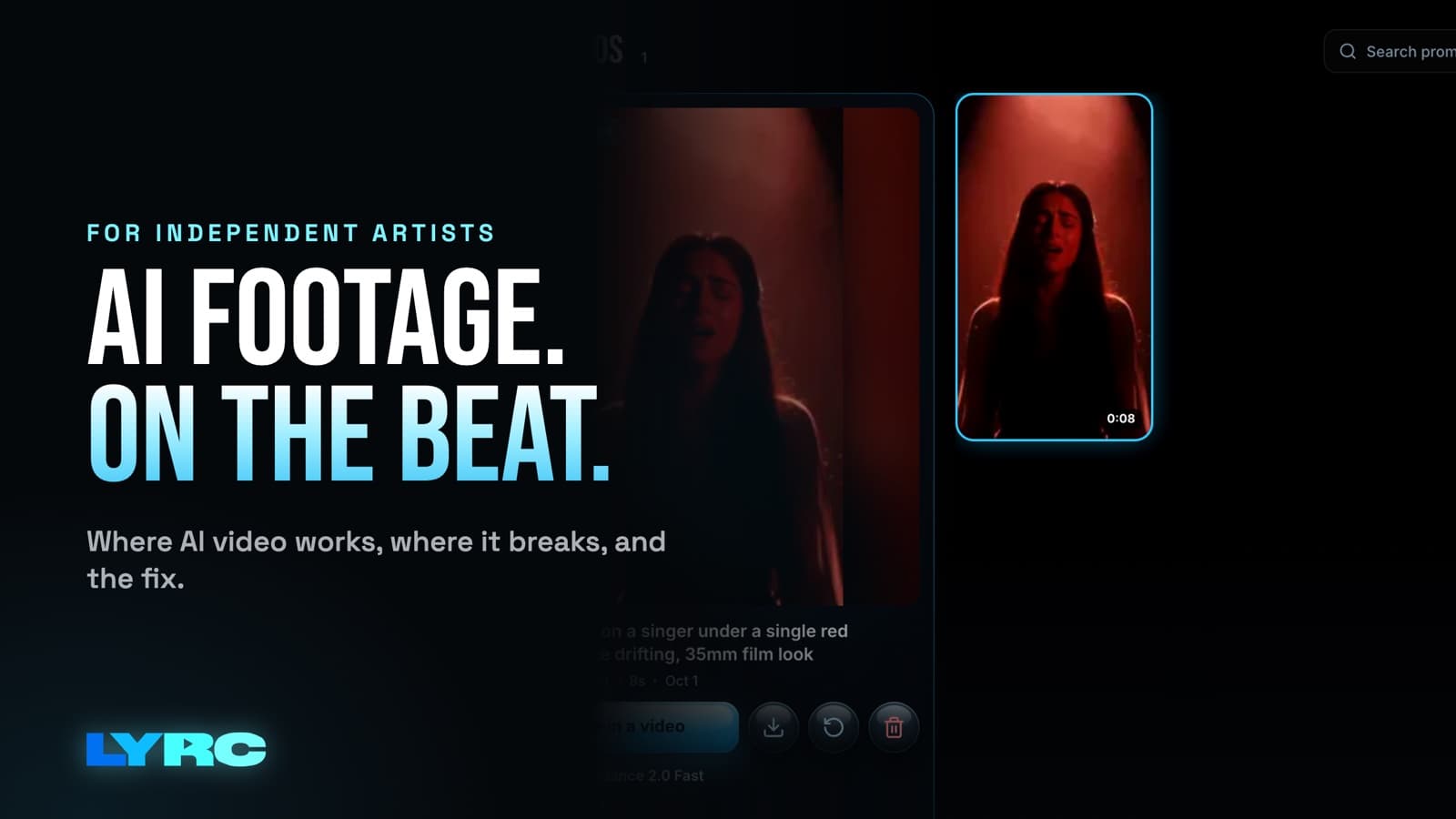
An AI music video generator gives you footage: short clips made from a text prompt or a photo. It doesn't hand you a promo video people will watch through. For Reels, TikTok and Shorts you still need a short song section (usually the hook), lyrics on screen people can actually read, and cuts that land on the beat. My advice: use AI for the shots you can't film, keep each one a few seconds long, put the words on as a text layer instead of asking the model to draw them, and cut everything to your kicks and claps. I'm a musician, and I built LYRC around that exact workflow. Below is how to do it whether you use LYRC or not.
What do AI video tools actually give you?
Most AI video tools take a prompt, an image, or both, and return a clip a few seconds long. You describe a shot ("neon-lit parking garage at night, slow push in, rain on the ground"), wait, and get something back. Some clips are usable right away; others warp and you pay for another try.
That's raw material. A music video is clips placed in order against your song, cut where the song hits, with something tying it together. For short-form promo, the thing tying it together is usually your lyrics. So plan on the AI being one supplier of shots.
Where AI footage looks good
AI is strongest on shots that would cost real money or a permit to film:
- Atmosphere: weather, smoke, light through a window, city lights at night, a slow drift over water.
- Places you can't get to: a desert at golden hour, a flooded street, a room that doesn't exist.
- Surreal or abstract shots that match the mood of a line without showing it literally.
- Slow camera moves. A gentle push in or pan holds together better than fast action.
These work well as b-roll behind lyrics because nobody is staring at fine detail. The eye is on the words, and the footage sets the feeling.
Where AI footage falls apart
This is where artists get burned, so check every clip before it goes in the edit.
Hands and fast movement. Fingers merge, a guitar neck bends, a dancer's legs swap places. Avoid prompts built around detailed hand action or choreography.
The same person across many shots. A face can drift from clip to clip, so a "character" stops looking like the same person by the third shot. Keep recurring people to a few shots, or use footage of yourself.
Text inside the frame. AI models often garble letters. Never ask the model to write your lyrics into the scene. Add lyrics as a separate text layer you control.
Mouths matching your vocal. Don't expect a generated singer to mouth your actual words in time. If you want performance shots of you singing, film them.
Long continuous takes. The longer a single generated shot runs, the more likely something warps. For promo you rarely want long takes anyway.
What a promo video needs from you
The AI makes shots. You still decide the parts that get someone to stop scrolling:
- A short section. Pick the hook or the line people will want to use. A hook that works in 15 to 30 seconds is what gets reused as a TikTok sound or Reels audio.
- Vertical framing. Reels, TikTok and Shorts are 9:16 (1080x1920). YouTube's main player is 16:9. Generate or crop for the format you're posting to.
- Readable lyrics. Big enough for a phone, high contrast against the footage, with an outline or shadow when the background is busy. Timed word by word so people can sing along.
- Cuts on the beat. Changing shots on the kick or the clap is what makes footage feel like it belongs to your song. Random cuts make even good AI clips feel like a slideshow.
- More than one version. One video per song rarely does the job. Make several with different footage so you have something new to post across a release.
How to make an AI-powered lyric video for Reels or TikTok
Here's the order I'd work in tonight, with any tools:
- Trim your section first. Decide the exact start and end before you generate anything, so you know how many shots you need.
- Mark the hits. Listen through and note the kicks and claps where you want cuts. Each gap between cuts is one shot.
- Write prompts from the lyrics and mood. One prompt per line or per cut. Keep camera moves slow and subjects simple.
- Generate a few extra. Some clips will come back broken. Plan to throw some away.
- Mix sources. Put AI shots next to your own footage and stock. A video that is all AI tends to feel samey; a few real shots of you ground it.
- Add lyrics as text, timed to each word. Check names, slang and ad-libs by ear, since those are what transcription misses most.
- Export at the right aspect ratio and watch it on your phone before posting.
If you're curious how dedicated tools compare for this, I keep a rundown of the best lyric video makers.
Can I put myself in an AI music video?
Yes. In LYRC, Be the Star lets you upload one selfie and generate AI video of yourself in a scene. It gets you shots of yourself in places you haven't filmed, without a shoot.
A few things that help: use a clear, well-lit selfie with your face fully visible, describe a simple scene, and keep those shots short. Review each result. If a clip doesn't look like you, regenerate it or leave it out. A couple of strong shots of you beats ten that look off.
What does AI footage cost?
AI generation in LYRC costs credits, and paid plans include a monthly credit allowance. The credit cost shows before you generate, so you can decide whether a shot is worth it. Paid plans start at $29/mo; check current plans and credits for the latest numbers.
To stretch credits, build most of the video from stock and your own clips, then spend AI on the two or three shots that carry the idea of the song. The AI b-roll generator page shows what that looks like, and the AI video and b-roll tutorial walks through it click by click.
When an AI tool isn't the right fit
Be honest about what you need. LYRC makes videos of one song section, up to 60 seconds. If you want a full-length music video, a full-song lyric video for YouTube, or an edit that spans several songs, a general editor like CapCut, Premiere or DaVinci fits better. You can still generate AI shots and bring them into that editor.
One more caution: if you pull clips from films, shows or other people's videos, you can get copyright claims or muted audio on some platforms. Your own footage, licensed stock and AI b-roll avoid that.
FAQ
Can AI make a whole music video from my song? Not in LYRC. Projects are one song section of up to 60 seconds, built for social posts. For a full-length video, use a general editor and treat AI clips as material.
Will AI footage get my video flagged for copyright? AI b-roll, licensed stock and your own footage avoid the claims that clips from films, shows or other people's videos can draw.
Does AI b-roll cost extra in LYRC? It costs credits. Paid plans include monthly credits, and you see the cost before you generate.
Will an AI music video make my song take off? No tool can promise that, and LYRC doesn't guarantee views or streams. What it does is make posting more videos of your song faster.
How LYRC does this
- Upload your song and trim a section of up to 60 seconds, usually the hook.
- LYRC transcribes the lyrics and times each word with Quick Sync or Studio-Grade. You review and fix any words or timing.
- LYRC places cut markers on the kicks, claps and points of emphasis. Add, remove or nudge any of them.
- It saves as a song template, so your next video of that song starts with the lyrics, timing and cuts already in place.
- Fill puts a clip in every slot from LYRC stock, your own footage, a YouTube or TikTok link, or AI b-roll. Generate with models like Seedance 2.0 when you want AI shots.
- Pick a lyric style, shuffle the clips, lock the ones you like, and export.
Your first video export is free when you sign up. It carries a small LYRC watermark.
Make music. Not content.
Set up lyrics and timing once, then use the same template for your next video.
Start free