Guides
How to Promote a New Single When You Have Little Money
A week-by-week plan to promote your new single with many short videos of the song: what to post before, during and after release, and where lyric videos fit.
Start free
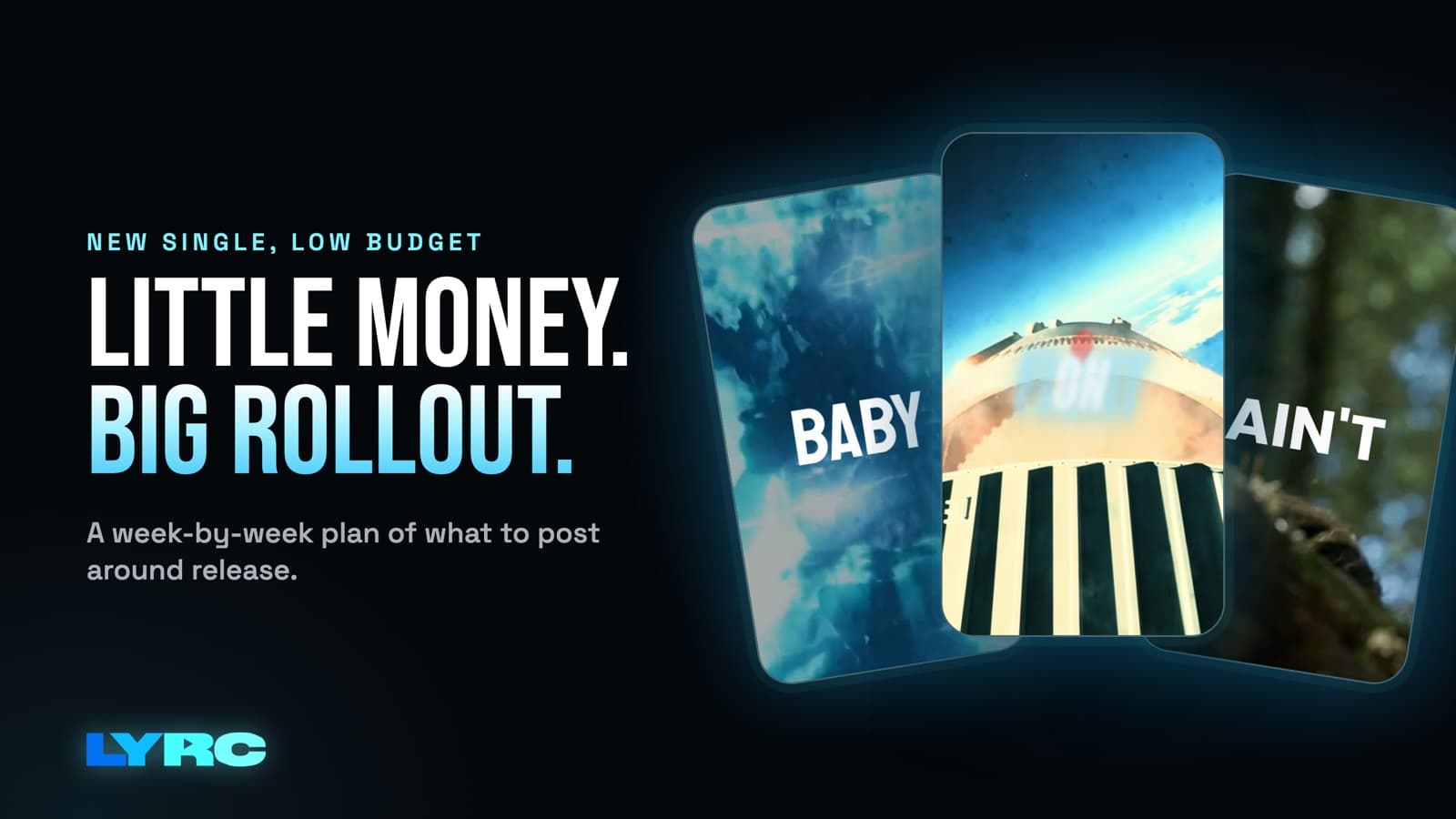
Here's how to promote a new single when you don't have much money: post a lot of short videos of the same song instead of making one big announcement. Pick the 15 to 30 seconds people will remember, usually the hook. Get a pre-save link live. Then start posting vertical 9:16 videos of that section on Reels, TikTok and Shorts a few weeks before release. Keep posting through release week and for weeks after. Each time, change the footage, the text style or the section. Posting many versions shows you which one people react to, so you know where to spend your time.
I'm a musician, and I built LYRC because this plan is simple to describe and tiring to do by hand. The rest of this page covers the setup, what to post each week, and the mistakes I'd avoid.
Why post many short videos instead of one big push?
A single release post reaches the people who already follow you, once. Short videos give the song more chances. Each one can land in front of different people, at a different time, with a different visual. You also learn something from every post. If the version with night driving footage gets saves and the one with studio clips doesn't, that's useful information that one big post can't give you.
There's a practical reason too. Reels audio and TikTok sounds come from the clip you post. If a 15 to 30 second piece of your song works on its own, other people can use it. That can only happen once the clip is posted.
What should you set up before you post anything?
Do this before the first video goes up, so every post has somewhere to send people.
- Send the song to your distributor early. DistroKid, TuneCore, CD Baby and the others are what put the song on Spotify and Apple Music. Your videos are promo. They don't do distribution. Get the song in early enough that you have a pre-save link while you're teasing. This guide on getting more pre-saves covers how to ask for them without sounding desperate.
- Choose your section. Start with the hook. Pick one backup section too, like the best verse line or the bridge, so you have a second option once the hook videos have run for a while.
- Fix your link in bio. It should show the pre-save now and the streaming link on release day. Check it on your phone before you post.
- Collect footage. Use your own phone clips, licensed stock or AI b-roll. Don't use clips from films, shows or other people's videos. Those can draw copyright claims or get your audio muted on some platforms, and that hurts most during release week.
What should you post in the weeks before release?
The goal here is to make the hook familiar before anyone can stream the full song.
- Lyric videos of the hook. Put the words on screen so people catch the line even if their sound is off. Post several versions with different footage.
- The making of it. Show a phone clip of you recording, the beat playing in your car, or the first voice memo. Keep it short and put the hook audio underneath.
- A question in the caption. Ask something real, like which line they'd pick for the cover or which version of the hook hits harder. Comments give you something to reply to.
- The pre-save ask. Put it in the caption and in your bio, not in every second of the video.
If you want more ideas for this stretch, I wrote a full list of what to post before releasing a song.
What should you post on release week?
Release day gets an out now video: the hook, the title on screen, and a caption that says where to listen. After that, keep the same pace you had before release. Don't stop after one post. Release week is when the pre-save ask turns into a listen link, so keep reminding people.
Share the link in your stories too. Reply to every comment you can. If someone uses your sound, repost or reply to it.
What should you post in the weeks after release?
Don't stop posting after release day. I think the weeks after are where a lot of the work should happen.
- Look at what worked. Check saves, shares and comments, not just views. Find the one or two videos people actually did something with.
- Make more of that. Keep the same section and the same kind of footage, and change it just enough that it's a new post.
- Try the backup section. Once the hook has had its run, post your second section. Sometimes a verse line connects with people more than the chorus.
- Switch formats. Post a 16:9 version for the main YouTube player alongside the vertical ones.
How many videos should you post for one single?
Post more than feels normal, and as many as you can keep up without burning out. Posting daily for a few weeks beats five posts in one day followed by a month of silence. Repeating the song is the whole point. Don't worry about repeating yourself. I go deeper on pacing in how many videos to post per song.
Where do lyric videos fit in a release plan?
Lyric videos are the easiest repeatable format for a single. The words are the hook, so putting them on screen makes the line stick. You can also swap footage and post again without filming anything new. They work well for Reels in particular. Here's how to make a lyric video for Instagram Reels step by step.
One honest limit: LYRC makes short videos of one song section, from 5 to 60 seconds. If you need a full-length lyric video for YouTube or a long music video, a general editor like CapCut, Premiere or DaVinci is the better fit for that one piece. For the stack of short videos around your release, a dedicated lyric video maker saves you from re-typing and re-timing the same lyrics every time.
Mistakes to avoid
- One post, then nothing. If you only have energy for a few videos, spread them out across the weeks instead of posting them all on release day.
- Changing everything at once. If you switch the section, the footage and the text style all in the same post, you won't know which change made the difference.
- Borrowed movie clips. Muted audio on release week is a bad trade for a cool shot.
- A broken link. Check your bio link every time it changes.
- Judging the song by one video. A slow post usually means that video didn't connect. It doesn't tell you much about the song.
FAQ
How early should I start promoting a single? Start as soon as you have a pre-save link and a section you're confident in. A few weeks of teasing gives the hook time to become familiar.
Do I need to run ads to promote a single? No. Organic short videos come first. If you run ads later, your best organic videos tell you which creative to use.
Should every video use the same part of the song? At first, yes. Repeat the hook so people learn it. Then try a second section after release.
Will posting a lot get my song more streams? Nothing guarantees streams or views. Posting more often gives the song more chances to reach people and shows you what's working.
How LYRC does this
- Upload your song and trim a section of up to 60 seconds, usually the hook.
- LYRC transcribes the lyrics and times each word with Quick Sync or Studio-Grade. You review it and fix anything it missed, like names, slang or ad-libs.
- LYRC places cut markers on the kicks, claps and points of emphasis. You can add, remove or nudge any of them.
- The lyrics, timing, cut markers and style save as a song template, so your next video of that single starts with everything in place.
- Fill puts a clip in every slot, using LYRC stock, your own footage, clips from a YouTube or TikTok link (Creator and up), or AI b-roll. Only use links to your own videos, since clips pulled from other people's videos, films or shows can draw copyright claims or muted audio. Then you pick a lyric style, shuffle, lock the clips you like, and export in 9:16 or 16:9.
Your first video export is free when you sign up. It carries a small LYRC watermark. Paid plans start at $29/mo.
Make music. Not content.
Set up lyrics and timing once, then use the same template for your next video.
Start free