Guides
How to Make Lyric Videos for YouTube Shorts
Vertical 9:16, the hook in the first seconds, readable lines, under a minute. How to pick the section and make several Shorts versions of one song.
Start free
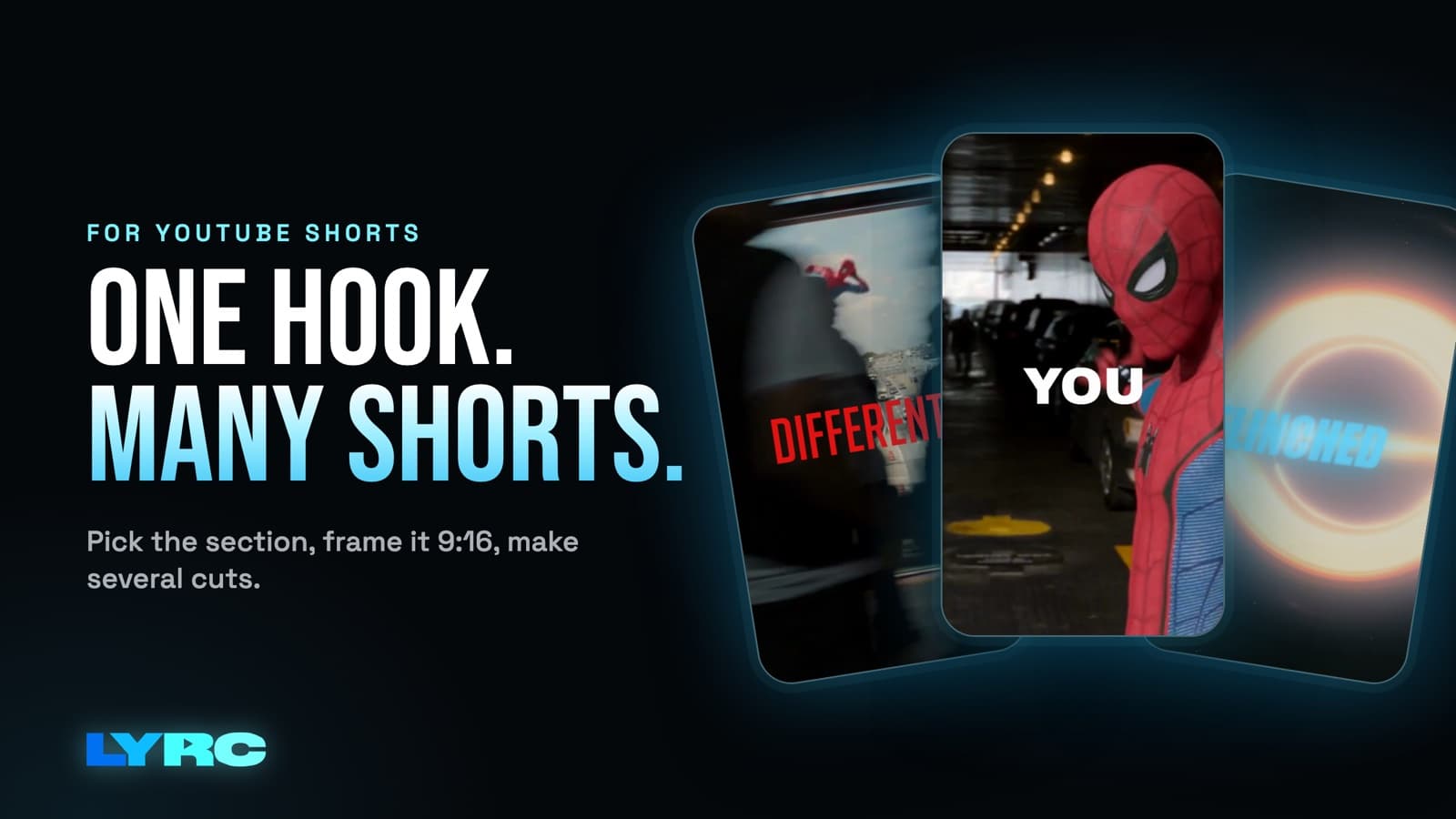
To make lyric videos for YouTube Shorts, trim the hook of your song to under a minute, export it vertical at 9:16 (1080x1920), start on a sung line in the first seconds, and keep each lyric line big enough to read on a phone. Then make several versions of that same section with different footage so you have more than one Short for the song. Below is how to pick the section, the settings that matter, the mistakes that make Shorts look rushed, and how I make several versions of one song in LYRC, the tool I built for this.
What does a YouTube Shorts lyric video need?
Vertical, 9:16. Shorts are built for a phone held upright. Export at 1080x1920. A 16:9 video posted as a Short looks small and boxed in. Your full-length 16:9 lyric video belongs on your main YouTube channel, which is a different job (I cover the general process in how to make a lyric video).
A sung line in the first seconds. Don't open on four bars of intro. Start right on the first word of the hook, or on the beat right before it. The viewer should hear the best part of your song before they decide to swipe.
Lines people can read. One line or a short phrase on screen at a time. Big, thick font. A color that stands out from the footage, or an outline or shadow so white text survives a bright clip. Keep the words in the middle of the frame. The bottom of a Short is covered by your title, channel name and the music label, and the right edge has the like and comment buttons.
Under a minute. A LYRC project is one section of up to 60 seconds, so this is the default there. Most of the time your hook is shorter than that, and shorter is fine.
The right words. A misheard lyric on screen looks careless, and fans will point it out in the comments. Whatever tool you use to transcribe, read every line before you export.
How do you pick which part of your song to use?
The section you pick decides more than any font or footage choice.
- Start with the hook. The chorus or the most repeated line is usually the part people remember and come back for. On TikTok and Reels, a hook that works in 15 to 30 seconds is the part that gets reused, and the same logic holds for Shorts.
- Trim on the beat. Start the clip on a downbeat or right on the first word. End at the close of a phrase, not mid-word. Shorts loop, so a clean ending makes the replay feel intentional.
- Run the one-listen test. If someone heard only this section, would they know what the song is about and want the rest? If not, try a different part.
- Have a second and third option ready. A standout verse line (rappers, this is often your best bar), the bridge, or the second chorus with a different ad-lib all make good alternate sections later.
Settings and mistakes to avoid
- Text too small. It looks fine on a laptop and unreadable on a phone. Preview on your phone before you post.
- Too many words at once. If a full bar fills the screen, split it across two lines that appear in time.
- Cuts that ignore the beat. Footage that changes on the kicks and claps feels like it belongs to the song. Random cuts feel like a slideshow.
- Footage that fights the text. Busy, bright clips eat white lyrics. Add an outline or pick darker clips behind the key lines.
- Clips you don't own. Using clips from films, shows or other people's videos can draw copyright claims or muted audio on some platforms. Your own footage, licensed stock and AI b-roll avoid that.
How many Shorts should you make from one song?
More than one. A single video is one shot at the right viewer seeing it on the right day. Several versions of the same hook give the song more chances, and each one only needs new footage or a new look, since the lyrics and timing don't change. I go into how many and how often in how many videos to post per song.
Ways to make each version feel different without starting over:
- New footage. Same section, different clips. A performance version, a mood version, a version shot on your phone in your neighborhood.
- New lyric style. A different font, color or animation changes the feel a lot.
- New section. Once the hook has a few versions, cut the verse line or bridge as its own Short.
The slow part of this in a general editor is redoing the lyric timing and cut points for every version. That's the part LYRC handles for you: the first video of a section saves its lyrics, timing, cut markers and style as a template, so the next video starts with all of that already in place.
Where should the footage come from?
You have four sources, and you can mix them in one video:
- Your own clips. Studio sessions, phone footage, performance clips. These do the most to show people who you are.
- Stock. LYRC has a built-in stock library for mood and texture shots.
- AI b-roll. Generated clips for scenes you can't film. In LYRC this costs credits.
- Clips from a link. Paste a YouTube, TikTok or Instagram link and LYRC splits that video into clips (Creator plan and up). Only use links to video you have the rights to. Clips from films, shows or other people's videos can draw copyright claims or muted audio.
How do you post it to Shorts?
Upload the vertical MP4 from the YouTube app on your phone or from YouTube Studio. Put the song title and your artist name in the Short's title so people can find the full track. On the Creator plan and up, LYRC can post straight to YouTube as a Short from the export screen or on a schedule.
The same 9:16 file works on Reels and TikTok too. If you're posting there as well, I wrote up the Instagram side in how to make a lyric video for Instagram Reels.
When LYRC isn't the right tool
LYRC makes one song section per project, up to 60 seconds. If you want a full-length lyric video for your main YouTube channel, a long music video, or an edit that covers several songs, a general editor like CapCut, Premiere or DaVinci fits that job better. Use LYRC for the Shorts and a general editor for the long one.
FAQ
Can I use the same lyric video on Shorts, Reels and TikTok? Yes. All three are vertical 9:16, so one export works everywhere. Change the caption for each app.
Should my Shorts lyric video include the whole song? No. Use one section, usually the hook, and keep it under a minute. Save the full song for a 16:9 lyric video on your main channel.
Will Shorts lyric videos get my song more streams? Nothing guarantees views or streams. Lyric videos are promo that point people to your song; your distributor is what puts the song on Spotify and Apple Music.
What if the auto-transcription gets my lyrics wrong? Fix them before you export. Names, slang and ad-libs are the usual misses, and accuracy depends on the recording.
How LYRC does this
- Upload your song and trim the section you want, up to 60 seconds. It defaults to vertical 9:16 for Shorts.
- LYRC transcribes the lyrics and times each word with Quick Sync or Studio-Grade. Read through and fix any word or timing it got wrong.
- LYRC places cut markers on the kicks, claps and points of emphasis. Add, remove or nudge any of them.
- That section saves as a song template, so every next video of it starts with the lyrics, timing and cuts in place.
- Fill puts a clip in every slot from LYRC stock, your own footage, a YouTube or TikTok link (link clips on Creator and up), or AI b-roll. Shuffle, lock the clips you like and shuffle the rest.
- Pick a lyric style and export an MP4. For the next version, open the template, Fill with new footage, try another style and export again.
Your first video export is free when you sign up. It carries a small LYRC watermark. Paid plans start at $29/mo, and the current limits are on the pricing page.
Make music. Not content.
Set up lyrics and timing once, then use the same template for your next video.
Start free