Guides
Lyric Video Maker App: What It Has to Do and What to Check Before You Pay
What a lyric video maker app has to do for a short song promo: time every word, cut on the beat, readable lyrics, footage without a shoot, the right export shape. Plus what to test before paying.
Start free
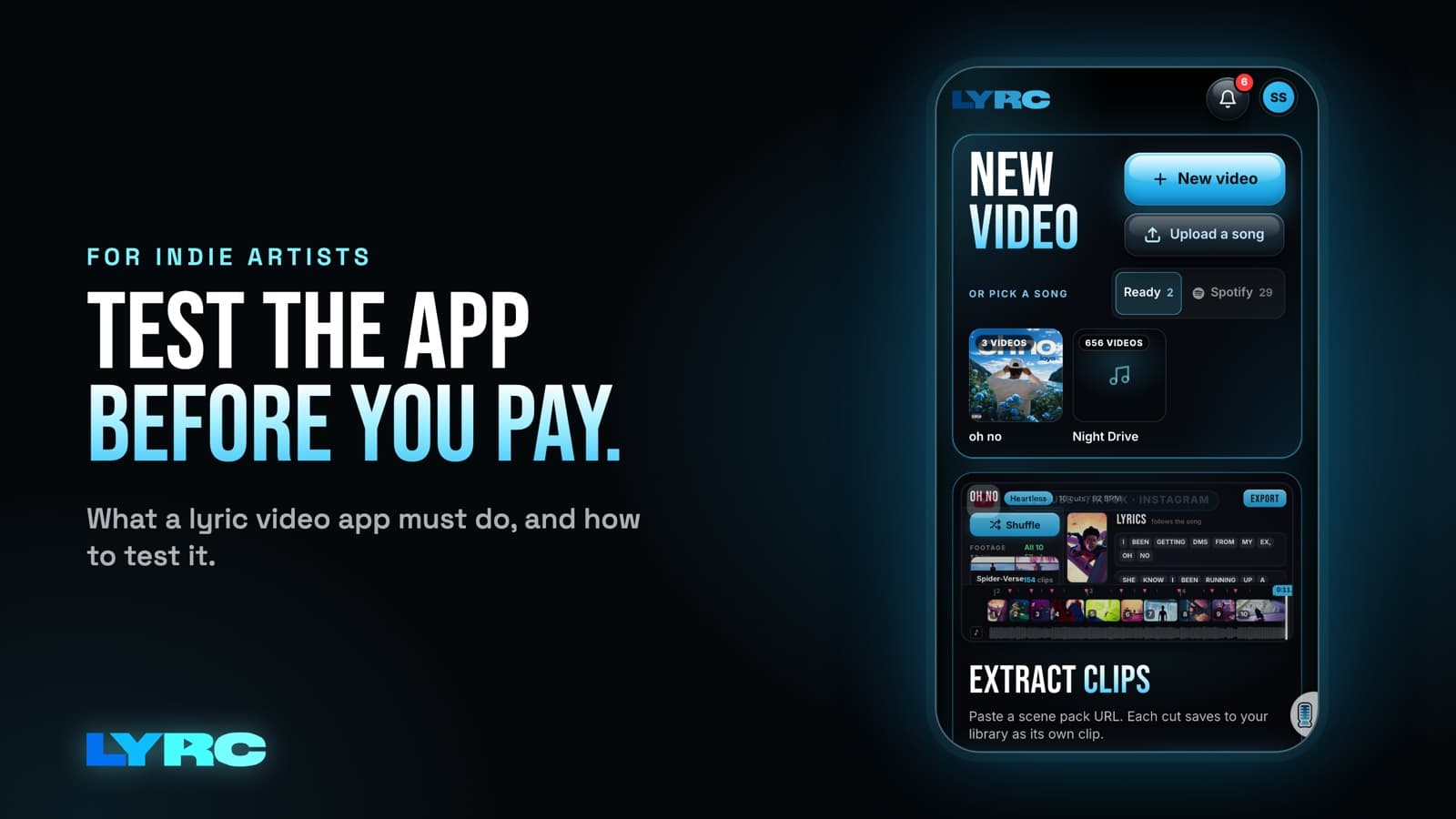
A good lyric video maker app for promoting your songs has to do five things well for a short clip. It should time every word to your vocal, cut the visuals on the beat, give you lyric styles that stay readable on a phone, supply footage so you don't need a shoot, and export in the right shape (9:16 for Reels, TikTok and Shorts, 16:9 for YouTube). Before you pay, test all five on your own song. Check whether the second video of a song goes faster than the first, and make sure the length limit fits what you actually post. I built LYRC around that list. It's a web app, so it runs in your desktop or phone browser with nothing to install.
What the app has to do
The slow part of a short lyric video is the busywork: typing the words, lining them up with the vocal, and cutting clips to the drums. An app is worth paying for when it does that busywork and leaves you the creative choices.
1. Time every word, and let you fix it fast
Automatic transcription saves the most time, and it's also where every app slips. Names, slang and ad-libs are the usual misses, and accuracy depends on the recording. So the real question is how fast you can fix a wrong word and nudge its timing. If a fix takes more than a few seconds per word, you'll feel it on every video.
Test it on the section of your song with your name, a slang word or a stacked ad-lib. That tells you more than a clean pop chorus does. I wrote more about this in how to sync lyrics to a song automatically.
2. Cut on the beat
A clip that changes on the kick or the clap feels edited. A clip that changes half a beat late feels cheap, even if viewers can't say why. Look for an app that finds the kicks, claps and points of emphasis on its own and puts a cut on each one. You should still be able to add, remove or slide a cut, because sometimes you want to hold a shot through a bar.
3. Lyric styles you can read on a phone
Your video gets watched on a small screen with app buttons and captions sitting on top of it. Check that the presets use fonts big enough to read in one glance, and that you can add an outline or shadow so white text survives a bright shot. Being able to override a preset by hand (font, size, colors, outline, shadow, glow, animation) matters once you want a look that fits your brand.
4. Footage without a shoot
Most independent artists don't have fresh footage for every post. A useful app gives you a few sources: a stock library, your own phone clips, and optionally AI b-roll. Some apps also let you pull clips from a video link.
One warning. Clips from films, shows or other people's videos can draw copyright claims or get your audio muted on some platforms. Your own footage, licensed stock and AI b-roll avoid that. My guide on where to get footage for lyric videos goes deeper.
5. Export in the right shape
Reels, TikTok and YouTube Shorts are vertical 9:16 (1080x1920). YouTube's main player is 16:9. The app should let you pick the shape before you style the lyrics, because text placed for a wide frame gets cropped in a tall one. Make sure it exports a standard MP4 you can post anywhere, and check whether the plan you're looking at adds a watermark.
What to test before you pay
Run this tonight with one of your own songs:
- Use your hardest section. Pick the part with fast flow, your name or heavy ad-libs. If the app handles that, it'll handle the rest.
- Time the first video, then the second. You'll post several videos per song. If the second video of the same song takes as long as the first, the app is just a fancy editor. Look for something that saves your lyrics, timing and cuts so you only swap the footage.
- Check the length limit. Most promo hooks run 15 to 30 seconds. Know whether the app caps clips and whether that cap fits your plans.
- Count exports against your posting plan. If you want to post a few times a week per song, add up how many videos a month that is and compare it to the plan's monthly export count.
- Look at the watermark. Find out which exports carry one and what it costs to remove it.
- Ask where the footage comes from. Stock, uploads, links, AI. Know which ones cost extra and which ones carry rights risk.
- Try it on the device you'll use. If you edit on your phone between sessions, open it on your phone before you commit.
How long should a lyric video be for promo?
For Reels, TikTok and Shorts, cut the hook or the strongest 15 to 30 seconds. That's the part people reuse as a sound, so it's the part worth repeating across several videos. Pick a section with one clear idea and lyrics that read well as text on screen.
When you need a different tool
Short-form apps like LYRC make videos of one song section. If you need a full-length lyric video for YouTube, a long music video or an edit that strings several songs together, a general editor such as CapCut, Premiere or DaVinci fits better. You'll do more by hand, but those tools are built for long timelines. If you need both, use a general editor for the one full-length upload and a short-form tool for the promo clips.
Do you have to download anything?
Not for LYRC. It's a web app at lyrc.studio that works in desktop and mobile browsers, so you sign in and work from whatever you have. There's nothing to install and no separate phone version to keep in sync.
FAQ
Can any app get every word right automatically? No app gets every word right on every recording. Expect to review the lyrics and fix names, slang and ad-libs before you export.
How many videos should I make per song before release? Make more than one, and pick a number you can keep up with. Check it against your plan's monthly exports, and see how many videos to post per song for more on planning it.
Will a lyric video get my song more streams? Nobody can promise that, and LYRC doesn't. A good clip makes it easier for people to hear and reuse your hook, and results depend on the song, the creative and your audience.
Is a lyric video the same as releasing the song? No. Distributors like DistroKid, TuneCore and CD Baby put your song on Spotify and Apple Music. A lyric video is promo that points people to it.
How LYRC does this
- Upload your song and trim a section. Drop in an MP3, M4A or WAV, or find yourself on Spotify and pick a released song. Choose a snippet of up to 60 seconds. Most hooks land around 15 to 30.
- LYRC transcribes and times the lyrics. Pick Quick Sync or Studio-Grade, then review the words and fix any wrong word or timing.
- Cut markers land on the beat. LYRC finds the kicks, claps and points of emphasis and places a cut marker on each. Add, remove or nudge any of them.
- It saves as a song template by itself. The lyrics, timing, cut markers and style are stored, so the next video of that song starts with all of it in place and takes a few clicks.
- Fill every slot with footage. Clips come from the LYRC stock library, your own uploads, clips split from a YouTube, TikTok or Instagram link (Creator and up), or AI b-roll that costs credits. Shuffle everything, lock the clips you like and shuffle the rest, or swap a single clip.
- Set the shape, pick a lyric style and export. LYRC makes vertical 9:16 by default. Switch to 16:9 for YouTube before you style the text, then choose a lyric animation preset or style the text by hand, and export an MP4.
Your first video export is free when you sign up. It carries a small LYRC watermark. Paid plans start at $29 a month and export without a watermark, and you can see current limits on the pricing page. For a closer look at the tool, read about the LYRC lyric video maker, or walk through the full process in how to make a lyric video. When you're ready, make your first video.
Make music. Not content.
Set up lyrics and timing once, then use the same song template for your next video.
Start free