Guides
How to Get Your Song on TikTok as a Sound (and Get People Using It)
The two ways a song becomes a TikTok sound, which 15 to 30 second section to pick, and how to post lyric videos of that section so people actually use it.
Start free
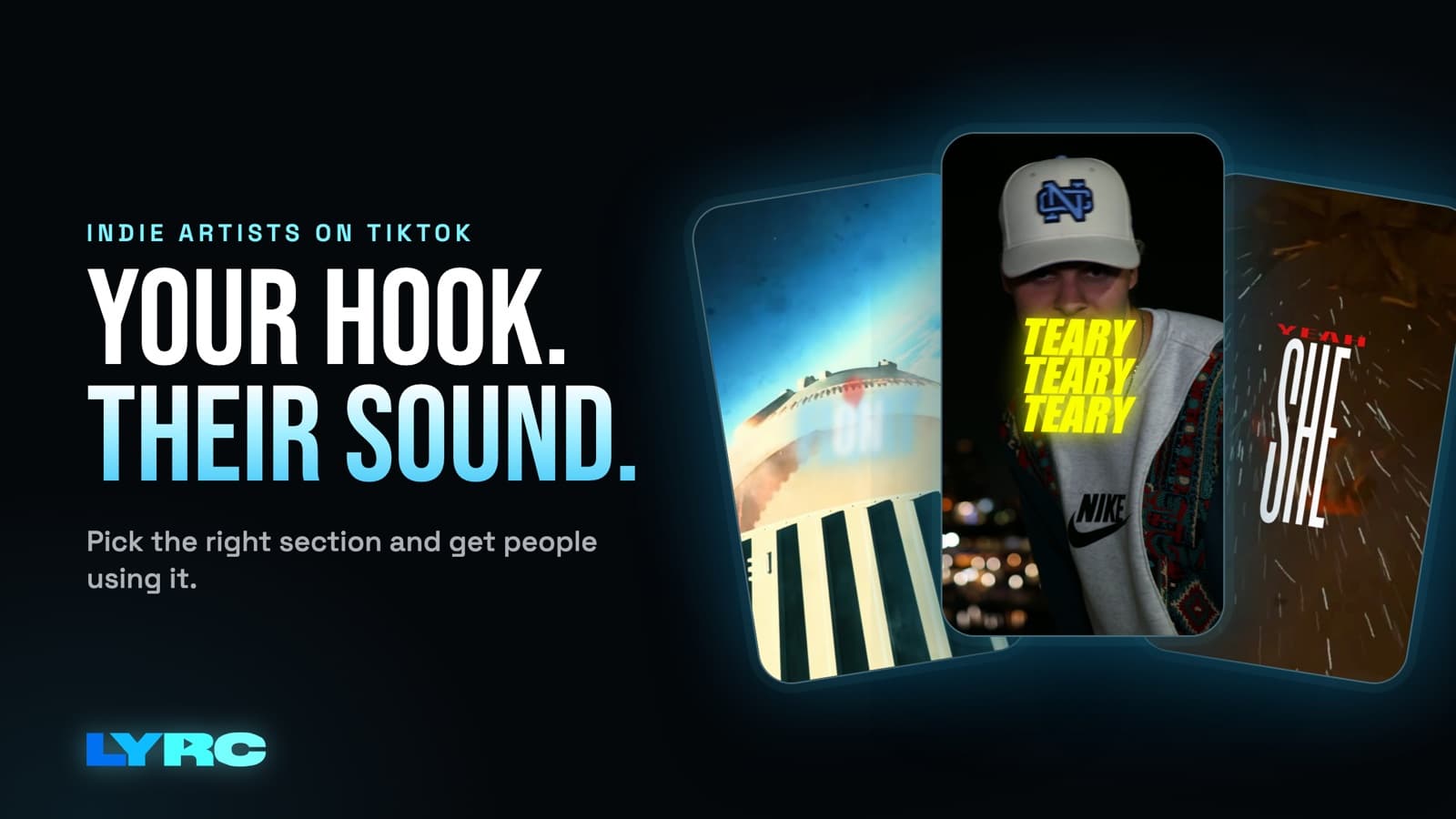
There are two ways to get your song on TikTok as a sound, and most artists should use both.
- Use a distributor. Release the song through DistroKid, TuneCore, CD Baby or another distributor, and make sure TikTok is one of the selected stores. That puts the official track in TikTok's sound library with your name and song title on it.
- Post your own clips. Use a 15 to 30 second section of the song as the audio on your own videos. TikTok turns that into an original sound tied to your account, and anyone can tap it and use it.
After that, keep posting lyric videos of that same section so the sound has something to spread from. Below I cover each route, how to pick the section, and what to post.
How does a song become a TikTok sound?
Every sound on TikTok comes from one of those two places: a distributor delivered it, or someone posted a video with that audio. Each route does a different job.
Route 1: Distributor delivery (the official sound)
This is how your song shows up in TikTok's library with the right title and artist name, the same way a major label release does.
- Make sure TikTok is among your selected stores when you upload the release. Check your distributor's help docs for how they handle it. If you unchecked stores to keep things simple, go back and look.
- Use the exact artist name and song title you use everywhere else. People who hear the sound will search for it. A typo or a different spelling splits you in two.
- Search for it after release. Delivery isn't instant and the timing varies by distributor. Check your distributor's dashboard for status, then search TikTok for the song title plus your artist name.
- Save the sound once it appears. Add it to your favorites in TikTok so you can grab it fast every time you post.
How you get paid when people use the sound depends on your distributor and their agreement with TikTok. Read their help docs for the current details instead of trusting a number you saw in a comment section.
Route 2: Uploading a clip yourself (an original sound)
Any time you post a TikTok video with your song as the audio, TikTok creates an original sound from it. Other people can tap the sound on your video and use it in their own.
This route has one big advantage: it works before the song is out. You can tease the hook weeks before release day. The tradeoff is that an original sound is a separate sound from the official one your distributor delivers. If people use both, your uses get split across two sound pages.
Should you use the official sound or your original sound?
Here's the order that keeps things clean:
- Before release: post teasers with your song as original audio. This is the only option you have, and it gets the hook in people's ears early.
- Once the official sound is live: put every new video on the official sound. That way every use stacks onto one sound page with your name and title on it, and people who hear it can find the song on streaming.
To put a finished video on the official sound, open it in TikTok's editor, add the sound from the library, set its start point to match your video, and turn your video's original audio all the way down. This lines up cleanly when your video is a lyric video of the exact section the TikTok clip uses. That's another reason to pick one section and stick with it.
Which 15 to 30 seconds should you pick?
The section you choose is the sound. Pick wrong and nothing else fixes it. What to look for:
- The hook or chorus. It's the part people remember and the part they'll hum later.
- A line people would put on their own video. A lyric that works as a caption, a joke, a flex or a feeling is a lyric someone can build a video around.
- The moment the beat drops or switches. A clear change gives people a spot to cut, reveal or transition on.
- A strong start. Begin right on a vocal or a hit. Not on a quiet intro, not on two bars of filler.
- A clean ending. If the last second flows back into the first, the clip loops well.
Mistakes I see a lot: picking the intro because it comes first, picking a verse that only makes sense if you heard the verse before it, and picking a long instrumental stretch with nothing to latch onto.
If you're stuck between two sections, post a couple of videos of each early in your rollout, see which one gets more shares and saves, and then commit. Don't keep rotating sections forever. One sound with lots of videos on it beats several sounds with a few videos each.
What should you post so people actually use the sound?
People use sounds they keep running into and sounds that give them an idea. Your job is to make that section show up over and over and to make the words stick.
Post lyric videos of the section. Putting the words on screen teaches people the line, and that's what they repeat in their own videos. If you've never made one, start with how to make a lyric video.
Make several videos of the same section. Same audio, same lyrics, different footage each time. A new look gives the video a new shot at the feed without changing the sound you're building. For how many to plan per song, see how many videos to post per song.
Get the format right:
- 9:16 vertical, 1080x1920.
- Big, readable lyrics placed away from the bottom and right edges, where TikTok's caption, buttons and username sit.
- Lyrics timed to the vocal. Text that lands late feels off even when viewers can't say why.
Watch where your footage comes from. Your own footage, licensed stock and AI b-roll are safe. Clips from films, shows or other people's videos can get a copyright claim or have the audio muted, which kills the sound on that post.
Plan around release day. In the week before release, post teasers of the section as original audio. On release day and after, switch to the official sound once it shows up. For the full pre-release plan, see what to post before releasing a song.
What tool should you use to make these videos?
It depends on what you're making.
- Lots of short videos of one section: a lyric video maker built for 15 to 30 second clips, like LYRC, keeps the lyrics, timing and beat cuts from one video to the next, so each new version is mostly swapping footage.
- A one-off edit you want full control over: CapCut has Auto Lyric and works fine. Here's how LYRC compares to CapCut.
- A full-length lyric video for YouTube or a long music video: LYRC isn't built for that. It makes 15 to 30 second videos of one section. Use CapCut, Premiere or DaVinci for full-song edits.
FAQ
Do I need a distributor to have my song as a TikTok sound? No. Posting a video with your song as the audio creates an original sound right away. You need a distributor for the official track with your name and title to be in TikTok's library.
How long does it take for my song to show up on TikTok after release? It varies by distributor. Check your distributor's dashboard for delivery status, then search TikTok for your song title and artist name.
Can I post my song on TikTok before it's released? Yes, as an original sound on your own videos. Just know it's a separate sound from the official one, so switch new posts to the official sound once it's live.
Will posting lyric videos make my sound blow up? Nothing guarantees that, including LYRC. Posting the same strong section often, with the words on screen, gives people the most chances to hear it and use it.
What size should a TikTok lyric video be? Vertical 9:16 at 1080x1920. Keep the lyrics clear of the bottom and right edges.
How LYRC does this
Here's how I built LYRC to make TikTok videos of your sound section:
- Upload your song and trim the 15 to 30 seconds you picked for the sound, usually the hook.
- LYRC transcribes the lyrics and times every word. Choose Quick Sync or Studio-Grade, then fix any misses. Names, slang and ad-libs are the usual ones.
- Cut markers land on the kicks and claps, so the footage cuts on the beat. Add, remove or nudge any of them.
- It all saves as a song template. The lyrics, timing, cut markers and style carry into every new video of that section, so the second video starts with the setup already done.
- Fill puts a clip in every slot from LYRC's stock library, your own footage, a YouTube or TikTok link (Creator and up), or AI b-roll. Clips from films, shows or other people's videos can draw copyright claims or muted audio, while your own footage, licensed stock and AI b-roll avoid that. Then pick a lyric style, shuffle until you like it, and export a 9:16 MP4.
- Post it. Download it, or on Creator and up send it from LYRC to your TikTok drafts and post from there, where you can still edit before it goes live.
Building and previewing are free on the Free plan, and paid plan limits are on the pricing page. Your first video export is free when you sign up. It carries a small LYRC watermark.
Make music. Not content.
Set up lyrics and timing once, then use the same song template for your next video.
Start free