Guides
Song Promo Video Maker: How to Turn One Hook Into a Week of Posts
The short promo videos artists actually post for a song, why you need many versions of the same hook, and how to make a batch of them fast.
Start free
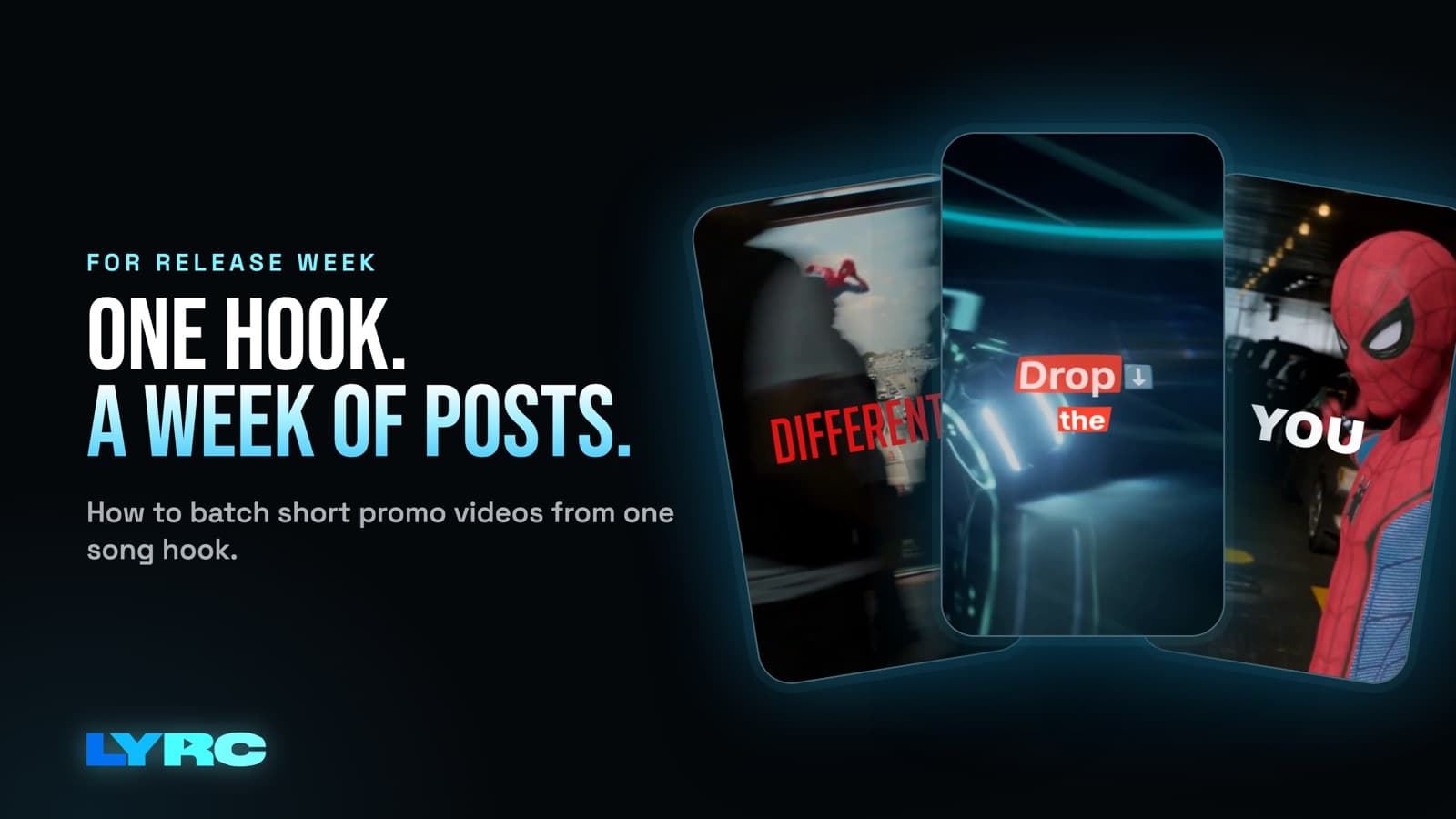
A good song promo video maker takes the best 15 to 30 seconds of your song and turns them into a lot of short vertical videos you can post before and after release. For most independent artists that comes down to three kinds of clip. The first is a lyric snippet of the hook. The second is several different cuts of that same section with new footage. The third is a teaser that stops before the hook resolves, so your caption can send people to the link. You need many versions instead of one, because every post and every ad needs to look new while the sound stays the same. I'm a musician, and I built LYRC for exactly this: set up the section once, then make version after version in a few clicks.
What promo videos should you make for a song?
You don't need a music video to promote a single. You need short clips built around the part of the song people will remember. These are the three that get posted the most.
1. The lyric snippet of the hook
This is your main promo clip. It's the hook with the words on screen and cuts that land on the beat, exported vertical at 9:16 (1080x1920) for Reels, TikTok and Shorts.
Words on screen do two things. People scrolling with the sound off still get the line. People with the sound on learn it faster, and the line is what they'll quote back to you. Keep the lyric style readable on a phone: big text, a strong outline or shadow, and no more than one line on screen at a time if you can manage it.
2. The same section, cut different ways
This is where most of your posts come from. Keep the audio and the lyrics exactly the same, then change the footage, the clip order or the lyric style. One version might use phone clips of you performing in your room. Another could be city footage at night, and a third AI b-roll that matches the mood of the song.
Each one reads as a new post to someone scrolling, while the platform sees the same sound every time, which is what you want, since the 15 to 30 second hook is the piece people reuse.
A warning if you pull clips from films, shows or other people's videos: that can draw copyright claims or muted audio on some platforms. Your own footage, licensed stock and AI b-roll avoid that problem.
3. The teaser that ends on the link
The teaser is a shorter, tighter cut of the hook. Trim it so it stops right before the payoff line, or right on the last word of the hook, so the viewer wants the rest. Let the video carry the feeling, and put the release date, the pre-save or streaming link and "link in bio" in the caption.
Don't crowd the video itself with release info. The lyrics are already on screen. If you want a title card with the date at the end, add it in a general editor like CapCut after you export.
Why one promo video isn't enough
If you make one great clip and post it once, you've used your best material a single time. These are the reasons to make a batch:
- Reposting the same file looks like a repost. New footage over the same audio gives you a new post without making new music.
- You can't know in advance which look will connect. Post several cuts, see which ones people finish and share, then make more like those.
- Ads need fresh creative. If you run Meta or TikTok ads, the same video wears out on the same audience. Swapping in new cuts of the hook keeps the campaign moving without rebuilding anything.
- Release week is long. You'll want something to post before the drop, on the day and for weeks after it.
How to plan a batch of promo clips for one song
You can follow these steps tonight in whatever tool you use.
- Pick the section. Usually it's the hook. Trim it to 15 to 30 seconds and start it a beat before the first line so the words don't come in cold.
- Get the lyrics and timing right once. Check every word, especially names, slang and ad-libs, because those are what auto transcription misses most. A wrong word in your main promo clip is the mistake fans screenshot.
- Build a footage pool with more clips than you need. Mix your own phone footage, stock and AI b-roll (in LYRC, AI b-roll is on paid plans and costs credits). Having more clips than slots is what lets you make real variations instead of the same video shuffled slightly.
- Choose two or three looks. That means two or three lyric styles that fit the song. A moody R&B record and a loud rap single shouldn't share a font.
- Make the main hook snippet first. Get it to the point where you'd happily post it. Every other version builds from this one.
- Make the variations. Same audio, same lyrics, new footage and looks.
- Cut the teaser. Trim the section shorter so it ends on the line before the payoff or on the final word.
- Export everything vertical. Use 9:16 for Reels, TikTok and Shorts. Only make a 16:9 version if you're putting it in YouTube's main player.
The slow part in a general editor is steps 2 and 6. You end up retyping and retiming the same lyrics and lining up the same beat cuts for every version. That repetition is the reason I built a dedicated tool.
What to look for in a song promo video maker
When you're comparing tools, check for these:
- Automatic lyrics you can edit. Transcription saves time, but you need to fix words and timing yourself.
- Cuts on the beat. Footage should change on the kicks and claps, and you should be able to move those cut points.
- A setup you only do once. The second video of the same song should not mean redoing the lyrics and cuts.
- Fast footage swapping. Filling and shuffling clips is what turns one video into many.
- Vertical export by default.
LYRC does all of that as a lyric video maker for artists. I'll be honest about where it doesn't fit, though. Every LYRC project is one 15 to 30 second section of one song. If you need a full-length YouTube lyric video, a long-form music video or an edit that strings several songs together, a general editor like CapCut, Premiere or DaVinci is the better choice. If you want a static graphic promo, like a release date announcement image, Canva or Kapwing will do that well. And if you'd rather understand the whole process before picking a tool, start with my guide on how to make a lyric video.
How does Rollout turn one section into a stack of promo clips?
Rollout is the LYRC feature for the variations step. You pick your songs and a look, and LYRC prepares up to 30 project variations at once from your clip pool. Each one is a separate project with your lyrics, timing and cut markers already in place. You can open any of them, shuffle the clips, lock the ones you like, swap a single clip or change the lyric style before exporting.
One thing to plan for is that exports from Rollout still count against your plan's monthly export quota. Thirty variations means thirty exports if you export them all. The Creator plan is $29/mo with 30 exports a month, and there are bigger plans if you're posting more than that. Check current plan limits on the pricing page before a big batch.
In practice, I'd make the main hook snippet by hand first and get the lyrics perfect. Then I'd run Rollout and export the variations I like best.
FAQ
How long should a song promo video be? One section of the song, 15 to 30 seconds, usually the hook. Teasers can be shorter because they're meant to cut off before the payoff.
Do I need a different video for each platform? No. One 9:16 export works for Reels, TikTok and Shorts. You only need a separate 16:9 version for YouTube's main player.
Can I use clips from movies or other people's videos? You can, but they can draw copyright claims or muted audio on some platforms. Your own footage, licensed stock and AI b-roll are the safer choice.
Will promo videos get my song more streams? No tool can promise that, including LYRC. Promo videos give people more chances to hear your hook, and what happens next depends on the song, the footage and your audience.
Does LYRC put my song on Spotify? No. Distributors like DistroKid, TuneCore and CD Baby handle that. Promo videos point people to the song once it's out.
How LYRC does this
- Upload your song and trim the 15 to 30 second section you want to promote, usually the hook.
- LYRC transcribes the lyrics and times each word. Review them and fix any misses, like names or ad-libs.
- LYRC places cut markers on the kicks, claps and points of emphasis. You can add, remove or nudge any marker.
- All of that saves as a song template on its own, so every next video of that section starts with the lyrics, timing and cuts already set. There's a walkthrough in the templates tutorial.
- Fill puts a clip in every slot from LYRC stock, your own footage, clips split from a YouTube or TikTok link (Creator and up), or AI b-roll (paid plans, costs credits). Clips from other people's videos can draw copyright claims or muted audio on some platforms, so your own footage, stock and AI b-roll are the safer picks. Pick a lyric style, shuffle, and lock the clips you like.
- Export a 9:16 MP4, or use Rollout to prepare up to 30 variations of the section at once.
Your first video export is free when you sign up. It carries a small LYRC watermark.
Make music. Not content.
Set up lyrics and timing once, then use the same song template for your next video.
Start free