Guides
10 Lyric Video Ideas for Your Song's Next Short Video
Out of ideas for your song's next lyric video? 10 makeable ideas: what to film or pull, which lyric style fits, and how to test several on one hook.
Start free
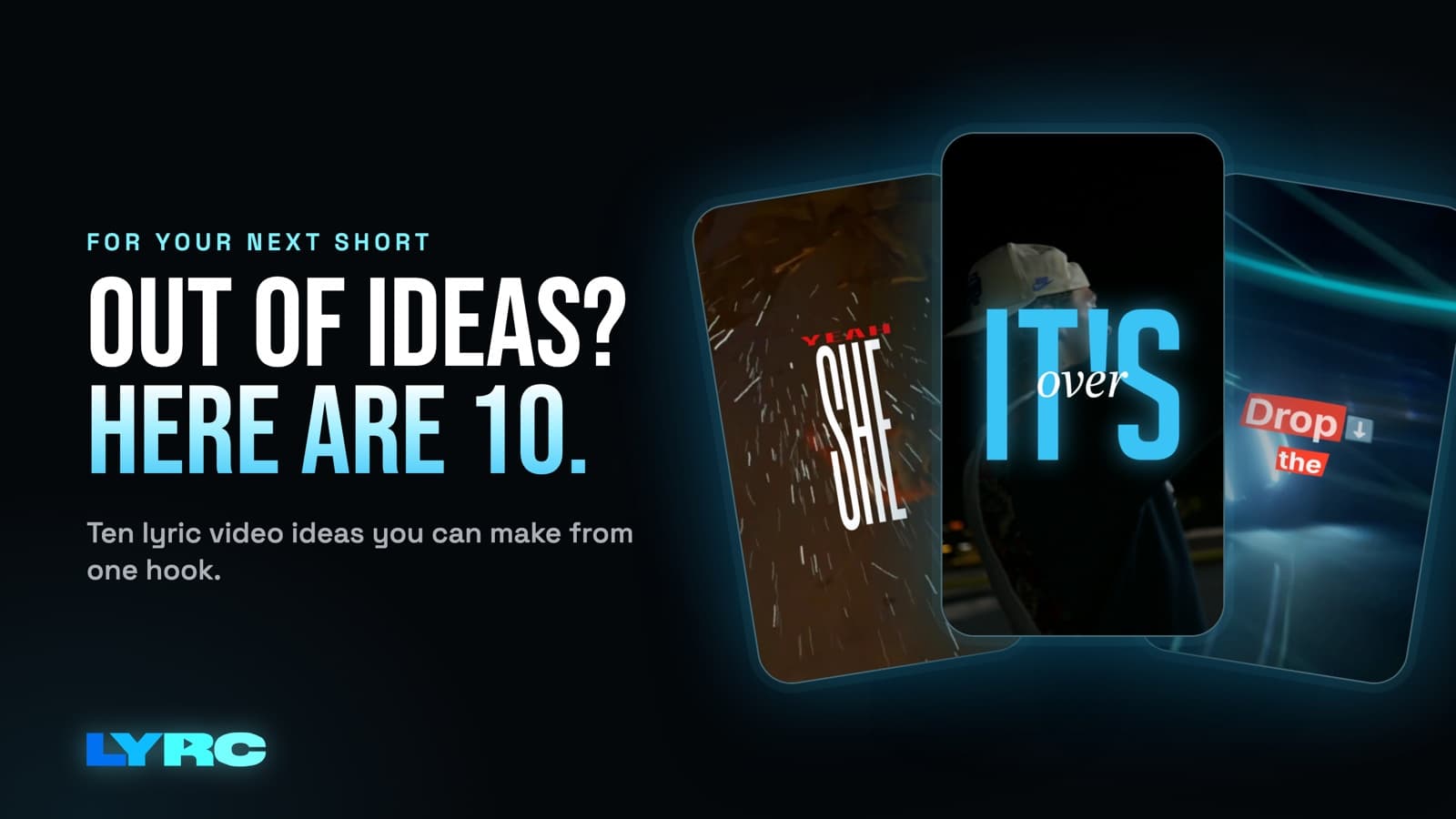
Out of lyric video ideas? Every short lyric video comes down to two choices: what's on screen and how the words look. Here are the ten ideas I keep coming back to:
- footage that shows the lyric literally
- pure mood footage
- you, filmed on your phone
- the studio session
- one location from many angles
- abstract textures
- your own old home video
- AI b-roll of a scene you can't shoot
- a text-first version
- footage that contrasts with the lyric
Pick your hook, try three or four of these on the same section, and post the ones that feel like the song. Below, each idea says what to film or pull and why it fits.
I'm Andrew Loya, I make music and I built LYRC. These ideas are what I'd tell an artist friend who texted me "I have no idea what to post next."
What should I put in a lyric video?
Every idea here is built for one song section of up to 60 seconds, usually the hook. That's the length that works on Reels, TikTok and Shorts. Short sections also make it easy to try an idea, judge it in one watch, and move on.
1. Show the lyric literally
If the line says "pull up in the rain," show a car in the rain. When you sing "phone face down," show a phone face down on a table. Literal footage makes the words land: each cut lands on a word you can see, so the line sticks.
What to film or pull: go through your hook line by line and write one object or action per line. Film the easy ones yourself and pull stock for the rest.
2. Pure mood footage
This one ignores the words and matches the feeling. Night drives, city lights, rain on a window, empty parking lots, sunsets, crowds in slow motion. It fits songs where the lyrics are abstract or the vibe matters more than the story.
What to film or pull: pick one mood word for the song (lonely, reckless, warm, cold) and only use clips that fit that word. Mixing moods is the fastest way to make a video feel random.
3. You, on your phone
Your face is the one thing no other artist can post. Walking down your street, sitting in the car, looking at the camera, standing in your room under one lamp. You don't need to lip-sync. Just being on screen while the words play tells people whose song this is.
What to film: shoot vertical, hold each shot steady for longer than feels natural, and film the same action from a few angles. That gives you plenty of clips to cut between.
4. The studio session
Hands on the MPC, you in the booth, the waveform on the screen, the engineer nodding. Studio footage works for the week before release because it says "this is new and it's mine." Next time you record, prop your phone up and let it run. Close-ups of hands and gear cut better than wide shots of a cramped room.
5. One location, many angles
Go to a single place (a rooftop, a laundromat, a gas station at 2am) and shoot it from every angle you can find. A video from one spot looks planned and cohesive even though it took 20 minutes.
What to film: a wide shot, a medium shot, a close detail, a low angle and a walking shot through the space.
Why it fits: short videos reward a strong, simple world. One location gives you that without a crew.
6. Abstract textures
Smoke, ink in water, fabric moving, light leaks, close-ups of skin or hair, water on glass. Texture footage stays out of the way, so the lyrics become the main thing people read. It's a good pick for lyric-heavy verses or rap sections with a lot of words.
What to pull: stock texture clips, or film a glass of water and a flashlight in a dark room.
7. Your own old home video
Grainy family footage, old phone videos, clips from when you first started making music. This fits nostalgic songs, songs about home, or anything about growing up. Use footage you or your family own. Dig through your camera roll and your parents' old drives. Screen-record nothing that belongs to someone else.
8. AI b-roll of a scene you can't shoot
If the hook is about a burning car, a desert at night or floating over a city, you probably can't film it. AI b-roll can generate it. It also fits surreal songs where real footage feels too ordinary. The AI video and b-roll tutorial walks through how it works in LYRC. AI generation costs credits, and the cost shows before you generate.
What to write: describe one scene per lyric line, with the lighting and camera movement you want.
9. Text-first
Put dark or very simple footage behind big, bold words. Sometimes a lyric is strong enough to carry the whole video. This works best when your hook has one line people will want to quote or caption.
How to style it: a large font, high contrast, and an animation that reveals words as they're sung. The lyric animation page shows the kinds of styles that suit this.
10. Contrast
Put bright, happy footage under a heartbreak lyric, or calm nature shots under an aggressive verse. The mismatch makes people stop and read the words. Use it sparingly, because it only works when the contrast is obvious.
What to film or pull: take the song's mood word from idea 2, pick its opposite, and only use clips that fit the opposite.
How do I show one hook several ways?
You don't need a new song section for every video. Take the same hook and change the footage and the lyric style:
- Version A: mood stock footage with a clean, simple lyric style.
- Version B: your own phone footage with a bolder animated style.
- Version C: literal clips matched line by line.
- Version D: text-first on dark textures.
That's four different videos of one hook. Post them across the release window and pay attention to which ones people comment on. If you're unsure how many to make, I wrote a separate guide on how many videos to post per song.
How do I match the lyric style to the footage?
- Busy footage (crowds, fast movement, lots of color): use simple text with an outline or shadow so the words stay readable.
- Calm footage (textures, slow shots, dark scenes): this is where animated lyric presets look best, because the motion has room.
- Your face on screen: keep text off your face. Place lyrics in the upper or lower third.
- Fast rap sections: fewer words on screen at a time and quick reveals. Big blocks of text get skipped.
Mistakes that make a lyric video idea fall flat
- Using clips from movies, shows or other people's videos. These can draw copyright claims or muted audio on some platforms. Your own footage, licensed stock and AI b-roll avoid that. My guide on where to get footage for lyric videos covers the safe sources.
- Shooting horizontal for vertical platforms. Reels, TikTok and Shorts are 9:16. Hold your phone upright.
- Typos in the lyrics. Auto transcription usually misses names, slang and ad-libs. Read every line before you export.
- Mixing three moods in one video. Pick one idea per video. Save the others for the next one.
- Picking the wrong section. The hook that works in 15 to 30 seconds is the part people reuse as a sound. Start there.
FAQ
What's the best section of a song for a lyric video? Usually the hook. It's the part people remember and the part most likely to get reused as a TikTok sound or Reels audio.
Do I need to film anything myself? No. Stock footage and AI b-roll can carry a whole video. Your own footage helps people connect the song to you, so mix some in when you can.
Can I make a full-length lyric video with these ideas in LYRC? LYRC makes videos of one song section, up to 60 seconds. For a full-length YouTube lyric video, a general editor like CapCut, Premiere or DaVinci fits better.
How do I know which idea works? Post a few different versions of the same hook and watch which ones get saves, shares and comments. Make more of that one.
How LYRC does this
The reason I built LYRC's lyric video maker around templates is so you can test all of these ideas on one hook without redoing the setup each time.
- Upload your song (or pick it from Spotify) and trim a section of up to 60 seconds, usually the hook.
- LYRC transcribes the lyrics and times each word. You can use Quick Sync or Studio-Grade. Review the words and fix any names, slang or ad-libs it missed.
- Cut markers land on the kicks and claps so the clips change on the beat. You can add, remove or nudge any marker.
- The section saves as a song template with the lyrics, timing, cut markers and style. Every new video of that hook starts with all of it in place.
- Fill puts a clip in every slot from LYRC's stock library, your own uploads, a YouTube or TikTok link (Creator and up), or AI b-roll. This is where you switch ideas: mood stock for one version, your phone footage for the next. Shuffle, lock the clips you like, and shuffle the rest.
- Pick a lyric preset or style the words by hand, choose 9:16 or 16:9, and export an MP4.
Trying a new idea is a new project from the template, a different Fill source and a different preset. That takes a few clicks. Paid plans start at $29/mo.
Your first video export is free when you sign up. It carries a small LYRC watermark.
Make music. Not content.
Set up lyrics and timing once, then use the same template for your next video.
Start free