Guides
How to Make a Lyric Video Without After Effects
Skip the keyframes. What a short lyric video needs, how to time words and cut on the beat with presets, and when a full editor fits better.
Start free
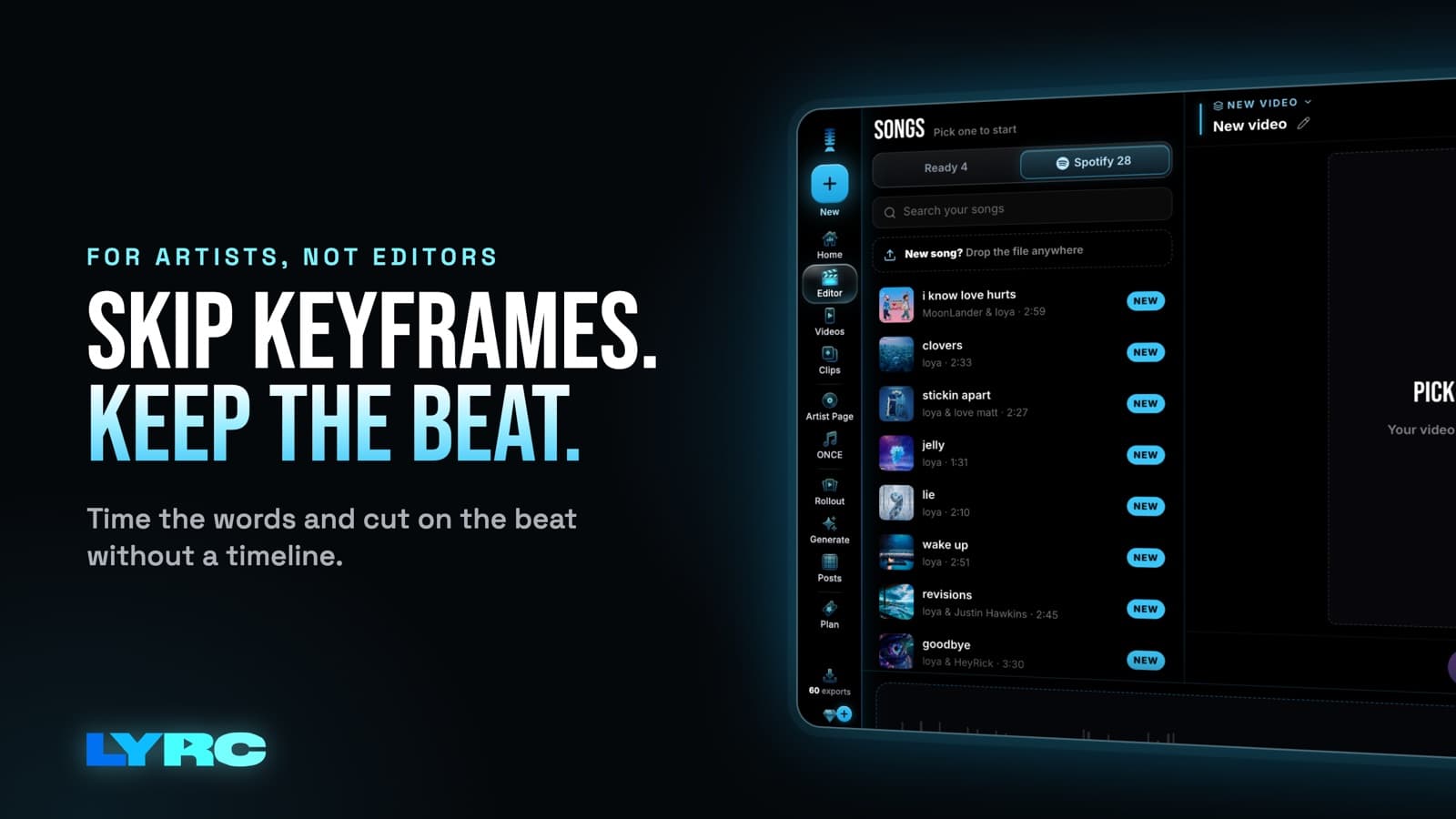
To make a lyric video without After Effects, use a tool that does the timing for you. Pick one section of your song, usually the hook. Get every word timed to the vocal and fix the misses. Cut your footage on the kicks and claps, pick a lyric style, and export vertical 9:16 for Reels, TikTok and Shorts. A lyric video maker built for songs does the word timing and beat cuts automatically, so you never touch a keyframe. After Effects is a general motion graphics program with a real learning curve. It earns that curve when you want fully custom animation. For a short promo clip of your hook, you can skip it.
I make music, and I built LYRC because I wanted my words moving on my songs without spending a weekend learning motion graphics. Here's what actually matters and how to do it tonight.
What does a short lyric video actually need?
Strip away the tutorials and a short lyric video needs five things:
- Words on time. Each word shows up when you sing it. Check that each word appears as you sing it.
- Cuts on the beat. Footage that changes on the kick or the clap feels intentional. Cuts that drift off the beat feel random.
- Footage that fits the mood. Pick clips that match the song's energy.
- Readable text. Big enough to read on a phone, with enough contrast against the footage behind it.
- The right shape. 9:16 (1080x1920) for Reels, TikTok and Shorts. 16:9 for YouTube's main player.
That's the whole list. Fancy kinetic typography is a bonus, and it's the part that eats hours in a general motion graphics program.
Why do After Effects lyric tutorials take so long?
A general motion graphics program gives you a blank canvas. You build and time each line yourself. That control is great for a one-off title sequence or a full custom lyric video.
The problem for an independent artist is repetition. You don't post one video per song. You post the hook again and again with different footage, and in a hand-built project every new version means more manual work. For short promo clips, a tool that remembers your timing pays off fast.
How to make a lyric video without After Effects, step by step
These steps use LYRC, but the logic applies to any song-focused tool. For a longer walkthrough, see how to make a lyric video.
- Pick your section. Choose the part people will remember, usually the hook. LYRC projects are one song section of 5 to 60 seconds. If you want the clip reused as a TikTok sound or Reels audio, a hook that works in 15 to 30 seconds is what tends to get picked up.
- Let it transcribe and time the words. LYRC listens to the section and times each word. You can choose Quick Sync or Studio-Grade. Then read every line against the audio. Names, slang and ad-libs are the usual misses, and accuracy depends on the recording. Fix words and timing now, before you style anything.
- Check the cut markers. LYRC finds the transients in your song (kicks, claps, points of emphasis) and drops a cut marker on each. Add, remove or nudge any of them. On a slow R&B hook you might delete half the markers so shots breathe. On a busy hip-hop beat you might keep them all.
- Fill every slot with footage. Fill puts a clip between each pair of markers. Clips can come from LYRC's stock library, your own uploads, a YouTube, TikTok or Instagram link that LYRC splits into clips (Creator plan and up), or AI b-roll. One warning on links: clips from films, shows or other people's videos can get claimed or muted on some platforms. Your own footage, licensed stock and AI b-roll avoid that.
- Pick a lyric style. Choose a named preset and the animation is done. Or turn presets off and set the font, size, colors, outline, shadow, glow and animation by hand. You can see how the styles move on the lyric animation page.
- Shuffle until it feels right. Shuffle all clips, lock the ones you like and shuffle the rest, or swap a single clip. Reframe a clip with zoom and pan, or scrub inside it on the timeline to find a better moment.
- Choose the aspect ratio and export. 9:16 for Reels, TikTok and Shorts, 16:9 for YouTube. You get an MP4.
How long should a short lyric video be?
For Reels, TikTok and Shorts, the hook alone is usually enough. Somewhere around 15 to 30 seconds lets someone hear the best part and replay it. You can go up to 60 seconds in LYRC if your verse is the selling point. Shorter usually beats longer for promo, but trust your song: if the hook only lands after a build, include the build.
How do you make the next video of the same song faster?
Once your first video of a section has its words and beat markers, LYRC saves it as a song template: lyrics, timing, cut markers and style. Your next video of that section starts with all of it in place. You just change the footage or the lyric style and export.
That matters because one video per song is rarely enough. Different footage on the same hook gives you something new to post each time without redoing the setup.
Mistakes that make a lyric video hard to watch
- Skipping the lyric review. Read every line of the hook before you export.
- Thin text on busy footage. Bright or cluttered clips swallow thin fonts. Add an outline or shadow, or pick a heavier preset.
- Too many cuts on a slow song. Cutting on every hit can feel frantic on a ballad. Remove markers until the pace matches the feel.
- Posting the wrong shape. A 16:9 video on Reels shows up small with empty space around it. Export 9:16 for vertical apps.
- Borrowing footage you don't own. Film and TV clips can get your audio muted. Use your own footage, stock or AI b-roll for anything you care about.
When is a full editor the better fit?
I'll be straight with you: LYRC makes videos of one song section, up to 60 seconds. If you need any of these, a general editor fits better:
- A full-length lyric video for YouTube that runs the whole song.
- A long music video with story, scenes and performance shots.
- Multi-song edits like an EP teaser stitching several tracks together.
- Frame-level custom motion where every letter does something unique.
For those, After Effects, Premiere, DaVinci or CapCut are the right tools. If you want to see how the options stack up for lyric videos specifically, there's a roundup of the best lyric video makers. If you need a full-length YouTube version, build that one in a full editor and use LYRC for the short clips around the release.
FAQ
Do I need design or animation experience? No. Pick a named lyric preset and the animation is handled. You can style text by hand later if you want more control.
Can I make a full-length lyric video in LYRC? No. Projects are one section of up to 60 seconds. For a full song, use a general editor.
What if the transcription gets a word wrong? Edit the word and its timing in the editor. Names, slang and ad-libs are the most common fixes.
Does it work on my phone? Yes. LYRC runs in desktop and mobile browsers.
Will a lyric video get my song more streams? No tool can promise that, and LYRC doesn't guarantee views or streams. A well-timed video of your best section gives people something worth watching, which is the part you control.
How LYRC does this
- Upload your song and trim a section of up to 60 seconds, usually the hook.
- LYRC transcribes the lyrics and times each word. You review and fix anything it missed.
- Cut markers land on the kicks and claps. Add, remove or nudge them as you like.
- The section saves as a song template, so every next video of it starts with lyrics, timing and cuts already done.
- Fill puts a clip in every slot from stock, your own footage, a YouTube or TikTok link (Creator plan and up), or AI b-roll.
- Pick a lyric style, shuffle the clips, choose 9:16 or 16:9, and export.
Your first video export is free when you sign up. It carries a small LYRC watermark. Paid plans start at $29/mo, and current limits are on the pricing page.
Make music. Not content.
Set up lyrics and timing once, then use the same template for your next video.
Start free