Guides
Album Cover Size: The 3000x3000 Square Every Release Needs
The safe album cover size is a 3000x3000 pixel square, JPG or PNG, in RGB. Here's why, what breaks the spec, and how to keep yours readable on a phone.
Start free
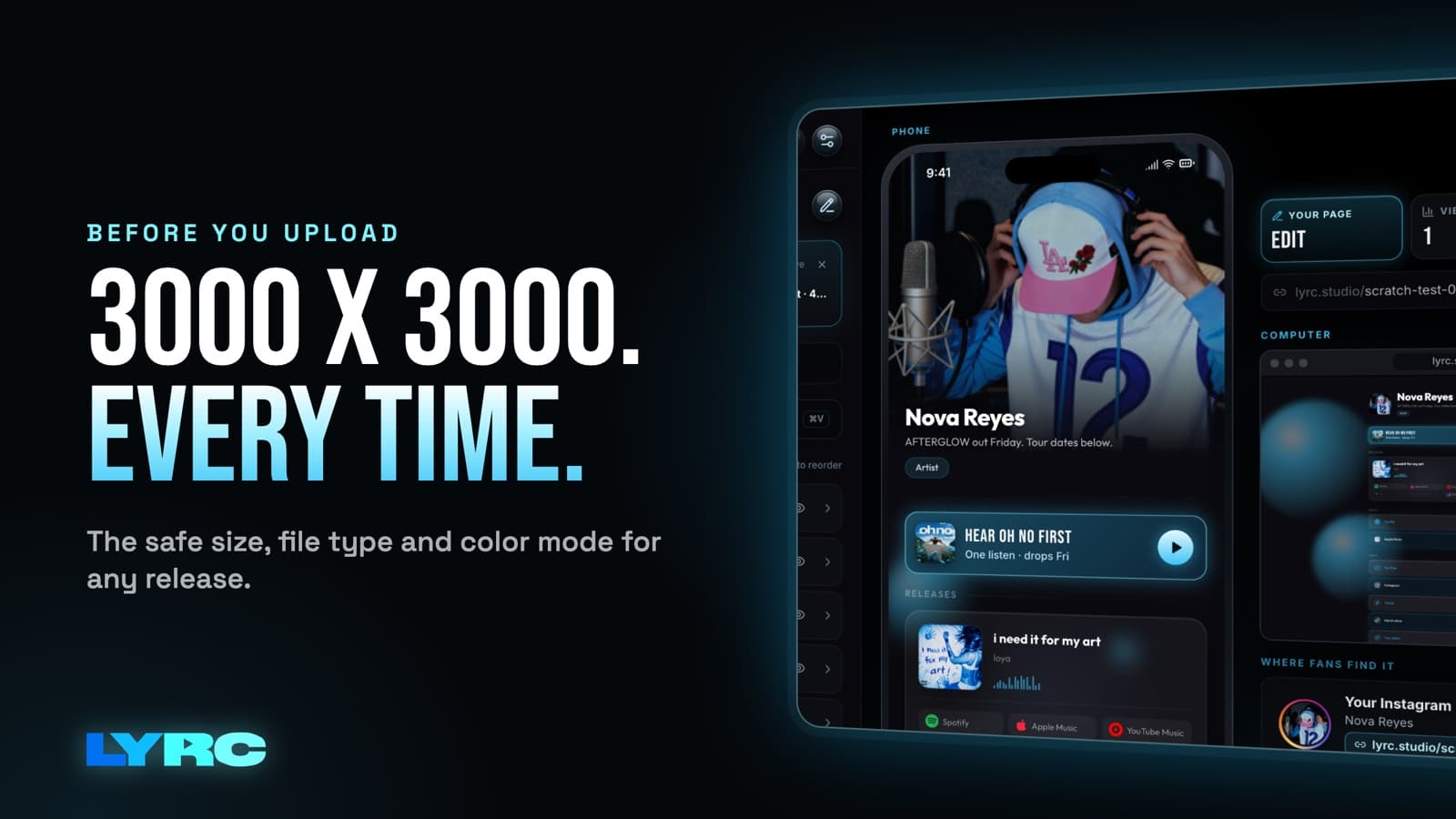
The safe album cover size is a square image at 3000x3000 pixels, saved as a JPG or PNG in RGB color. That's the common requirement across music distributors, and it's the same for a single, an EP or a full album. Rules differ a little from one distributor to the next, so open your distributor's artwork page and confirm before you upload. If your image is bigger than 3000x3000, scale it down to the exact size your distributor asks for. Don't stretch a smaller one up, and never upload something that isn't square.
Below I cover why that size is the target, what breaks the spec, how to keep a cover readable as a tiny square on a phone, and how I make covers at that size in LYRC.
What size should an album cover be?
Use these settings for any release:
- Shape: a perfect square. Width and height match to the pixel.
- Size: 3000x3000 pixels.
- File type: JPG or PNG. Use whichever your distributor lists.
- Color mode: RGB. Not CMYK.
- Text: optional. If you add it, keep it large enough to read as a thumbnail.
Why is 3000x3000 the safe target?
Stores and streaming apps show your cover at many sizes: a large view on a release page, a medium square in a playlist, a tiny one in the player bar at the bottom of the screen. They all start from the file you upload and shrink it. A big, sharp source shrinks cleanly. A small source has nothing to give when a store wants it larger.
Every one of those spots is square, so the file has to be square too.
Save in RGB, the common requirement. If a designer made your cover for print, it might be saved in CMYK, so re-save it in RGB before uploading.
Does a single cover need a different size than an album?
No. Singles, EPs and albums all use the same square at 3000x3000. Every single in a rollout needs its own cover, so if you're dropping several songs before the album, plan a look that holds together across all of them. A shared font, color palette or photo style works.
What gets an album cover rejected by a distributor?
These are the problems that break the common spec:
- Not square. Width and height have to match exactly.
- Too small. Anything under the minimum your distributor lists, which is usually 3000x3000.
- Wrong file type. Use JPG or PNG, whichever your distributor asks for.
- CMYK instead of RGB. Re-save print files in RGB before you upload.
- Blurry or pixelated art. This often happens when someone takes a small image and enlarges it to 3000x3000. The pixel count passes, but the image looks soft. Start large instead.
Beyond the size spec, each distributor publishes its own artwork rules, covering things like text, logos, contact info and explicit labels. Read that page before you upload, because those rules are where distributors differ. Your links have a better home on your artist link in bio page anyway.
Separately from any distributor rule, use art you made, generated or have permission to use, not a photo from a search result or a screenshot of someone else's work.
How do I keep a cover readable as a thumbnail?
Most people will see your cover at the size of a fingernail. Design it for that view first and the full-size version second.
- Do the shrink test. Before you finish, send the image to your phone and look at it zoomed all the way out, or put it in a playlist mockup next to other covers. If you can't tell what it is at that size, simplify.
- One focal point. A face, an object or one bold shape. Busy collages turn into mush when they're small.
- Strong contrast. Light subject on a dark background or the reverse. A quick check: switch the image to grayscale. If the subject disappears into the background, raise the contrast.
- Text big or not at all. Thin script fonts and small type disappear at thumbnail size. If your name is on the cover, make it heavy and large. Plenty of strong covers skip text; just make sure your distributor's rules allow it.
- Keep the important parts away from the very edges. Don't put your name tight against a corner.
One more tip: look at your cover next to the covers of the artists your fans already play. If yours blends in, change the color.
How to make a 3000x3000 cover with LYRC
LYRC has an AI album cover art generator built in. It makes square album and single covers with GPT Image 2 and other image models, at up to 4K. That gives you room above the 3000x3000 target, so you're scaling down, which keeps the image sharp.
Here's how I do it:
- Describe the image. Name one subject, a mood, a color palette and a style (photo, painting, grainy film, 3D). Keep it to one focal point, following the thumbnail rules above.
- Generate a few options and compare them at phone size, not full screen.
- Add the Parental Advisory sticker only if the release is marked explicit. It's optional.
- Download your cover (LYRC makes covers up to 4K), then resize to your distributor's exact spec. For most of them that's 3000x3000.
- Check the file before uploading: square, RGB, JPG or PNG.
For the exact screens and settings, follow the cover art tutorial. If you'd rather shoot a photo or work with a designer, see my guide on how to make an album cover.
An honest limit: AI art is a fast way to get a strong concept, but if you need hand lettering or a precise photo of yourself, a designer or your own shoot is the better fit.
Album cover size FAQ
Can I upload a cover larger than 3000x3000? Check your distributor's artwork page. If you're unsure, resize to 3000x3000, the common requirement.
Should I use JPG or PNG? Both are common. Use the one your distributor lists, saved in RGB.
Can I make a smaller cover and enlarge it? You can, but it usually looks soft. Start from an image that's already 3000 pixels or larger.
Does Spotify need a different cover size than Apple Music? You upload one cover to your distributor, and it handles delivery to each store. Check your distributor's artwork page for the size it needs.
How LYRC does this
Once the cover is done, the next job is promo videos for release week. Here's how a lyric video comes together in LYRC:
- Upload your song and trim a section of up to 60 seconds, usually the hook.
- LYRC transcribes the lyrics and times each word, using Quick Sync or Studio-Grade. You review and fix any words it got wrong. Names, slang and ad-libs are the usual misses.
- Cut markers land on the kicks and claps. Add, remove or nudge any of them.
- The section saves as a song template, so your next video of that song starts with the lyrics, timing and cuts already in place.
- Fill puts a clip in every slot, from LYRC stock, your own footage, a YouTube or TikTok link, or AI b-roll. Clips from other people's videos can draw copyright claims, so your own footage, stock or AI b-roll are the safer picks.
- Pick a lyric style, shuffle until it feels right, choose 9:16 or 16:9, and export.
Your first video export is free when you sign up. It carries a small LYRC watermark. Paid plans start at $29/mo; current limits are on the pricing page.
Make music. Not content.
Set up lyrics and timing once, then use the same template for your next video.
Start free